Practical AI Guides
Practical AI guides for builders, operators, and leaders turning new capabilities into better work.




Get the daily brief on what AI is changing, why it matters, and what to do next.

How to Use Claude for Excel: Setup, Prompts, and Limits
Install Anthropic's official add-in, run the prompts that save the most time, and know where it stops being safe to trust.
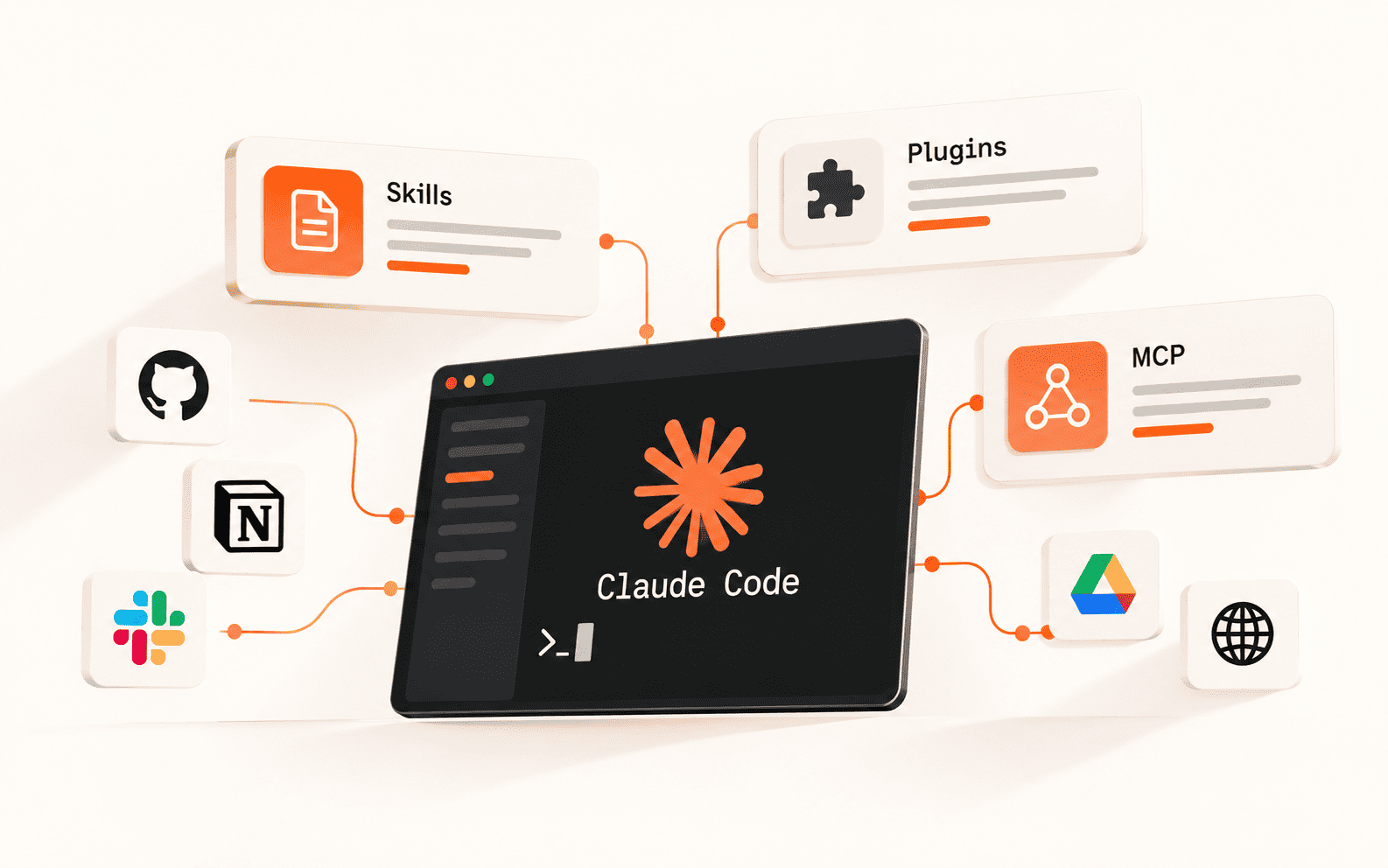
Supercharging Claude Code: Skills, Plugins, and MCP for Advanced Workflows
How to turn Claude Code from a smart autocomplete into a disciplined, secure, agentic platform
How to Install Claude Code: Native Installer, Homebrew, npm, and WinGet
Every install path for macOS, Linux, and Windows, plus how to verify it worked and log in.
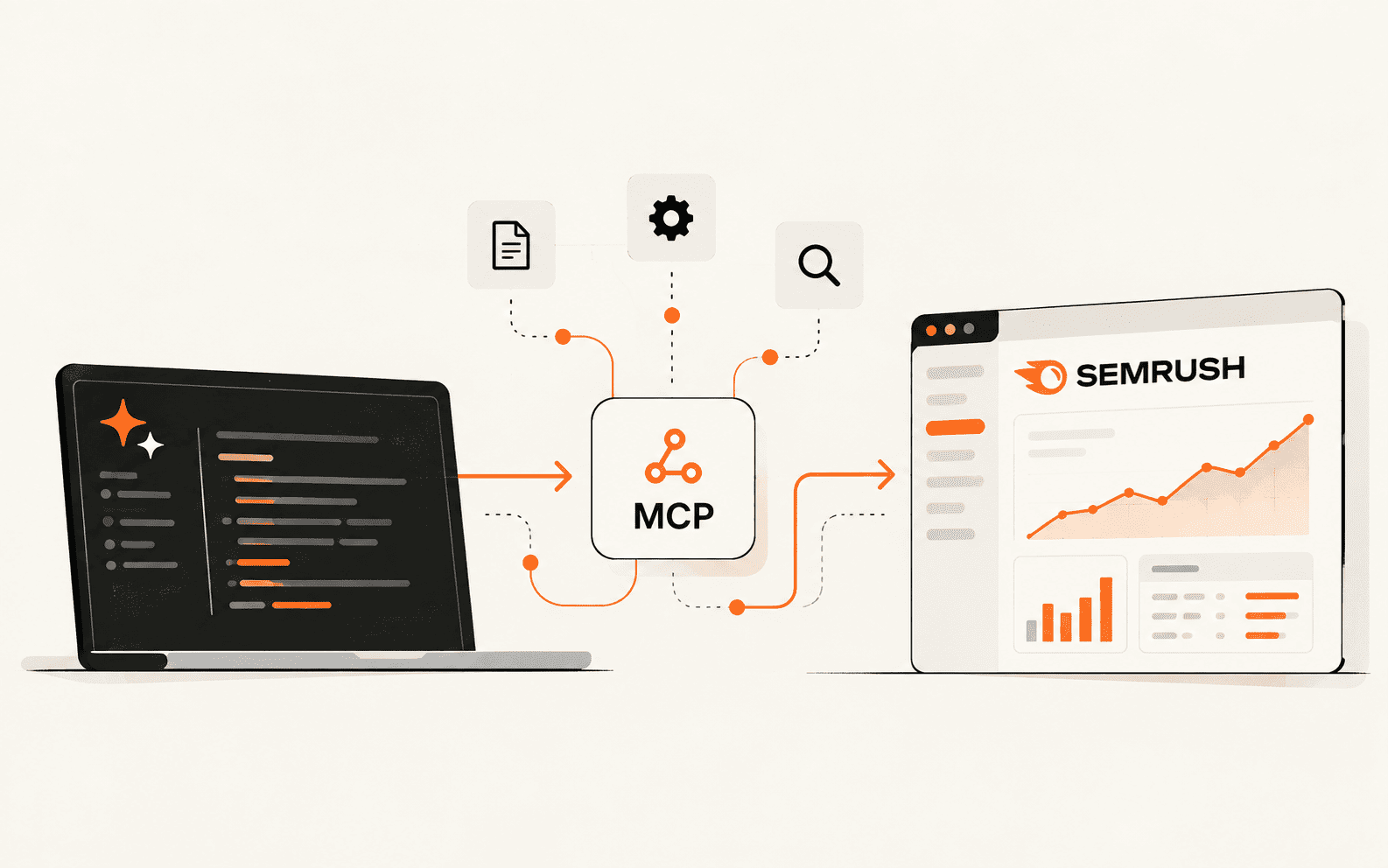
How to Set Up and Use Semrush MCP for SEO Research in Claude
Connect Semrush to Claude, run a first query you can verify, and turn keyword research into one repeatable prompt.

How to Self-Host n8n: A Docker Compose Setup Guide
Run n8n self-hosted for free with Docker Compose and HTTPS, plus the community edition limits and backup steps most tutorials skip.

FreeFlow Setup Guide: A Free Wispr Flow Alternative for Mac
Install the open source dictation app, add a free Groq API key, and start hold-to-talk voice typing with no subscription.

How to Use NotebookLM for Research and Study
Build a source-grounded research notebook, then turn it into notes, explanations, and practice questions.
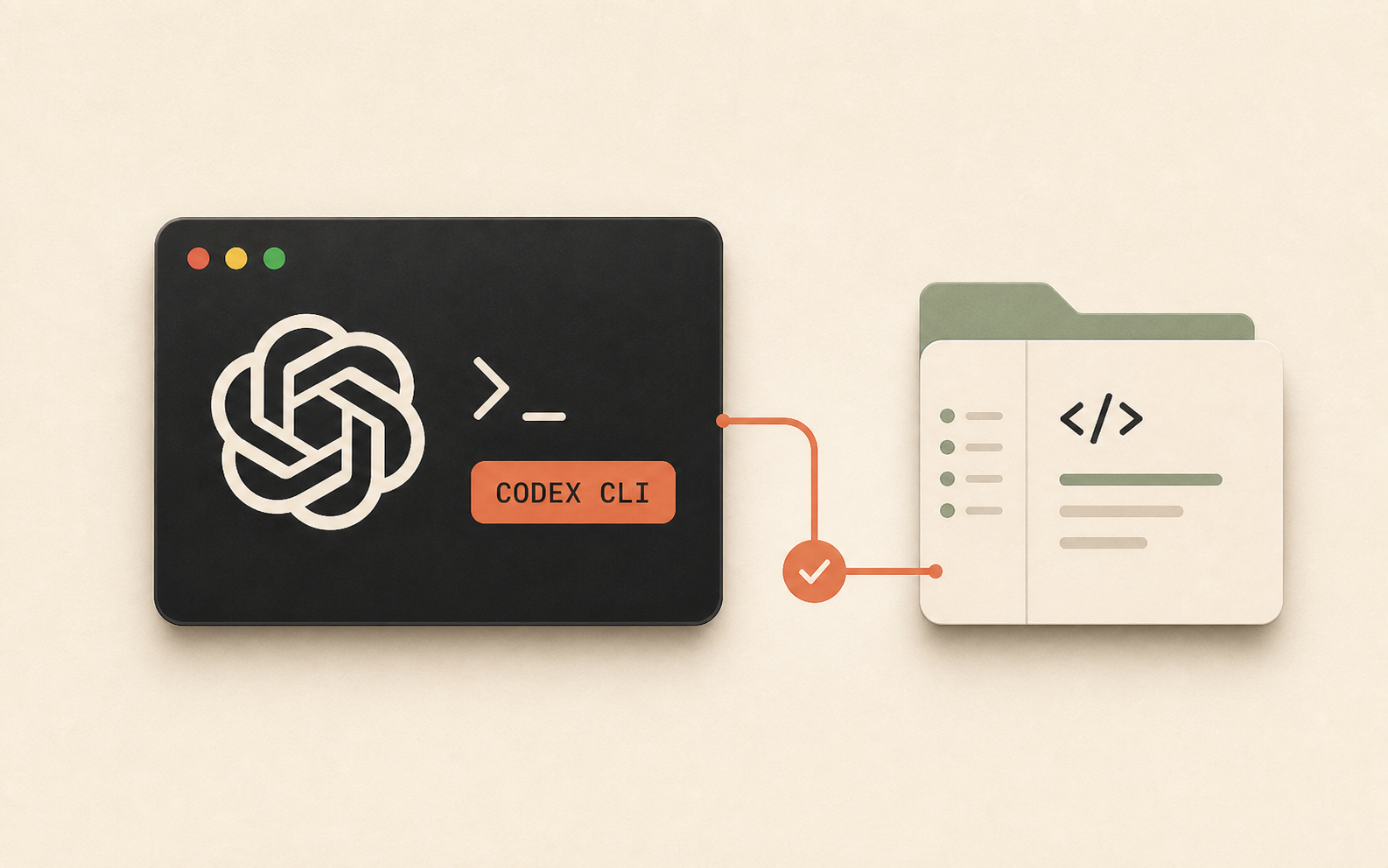
How to Install Codex CLI and Use It in a Real Project
A practical setup path from npm install to your first AGENTS.md-driven task

Best AI Tools for Students in 2026
An honest comparison of NotebookLM, Claude, Perplexity, Grammarly, and Notion AI, and which one actually earns a place in your workflow.
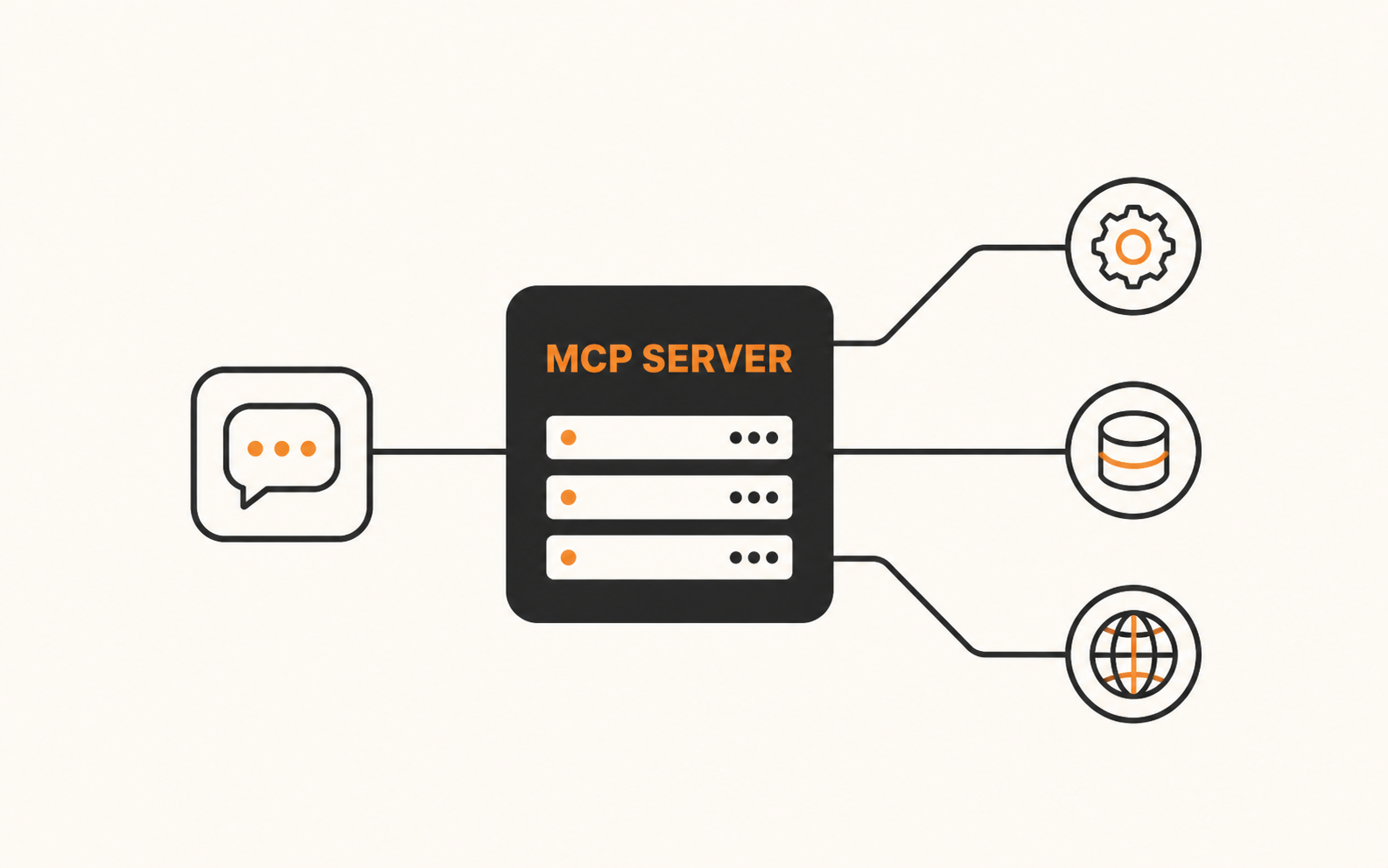
What Is an MCP Server? A Beginner's Guide
How AI apps use MCP tools, resources, and prompts to work with external systems.

Claude Code Skills: How to Install, Create, and Use Them
Turn repeated coding instructions into reusable skills that Claude can discover automatically or run as slash commands.
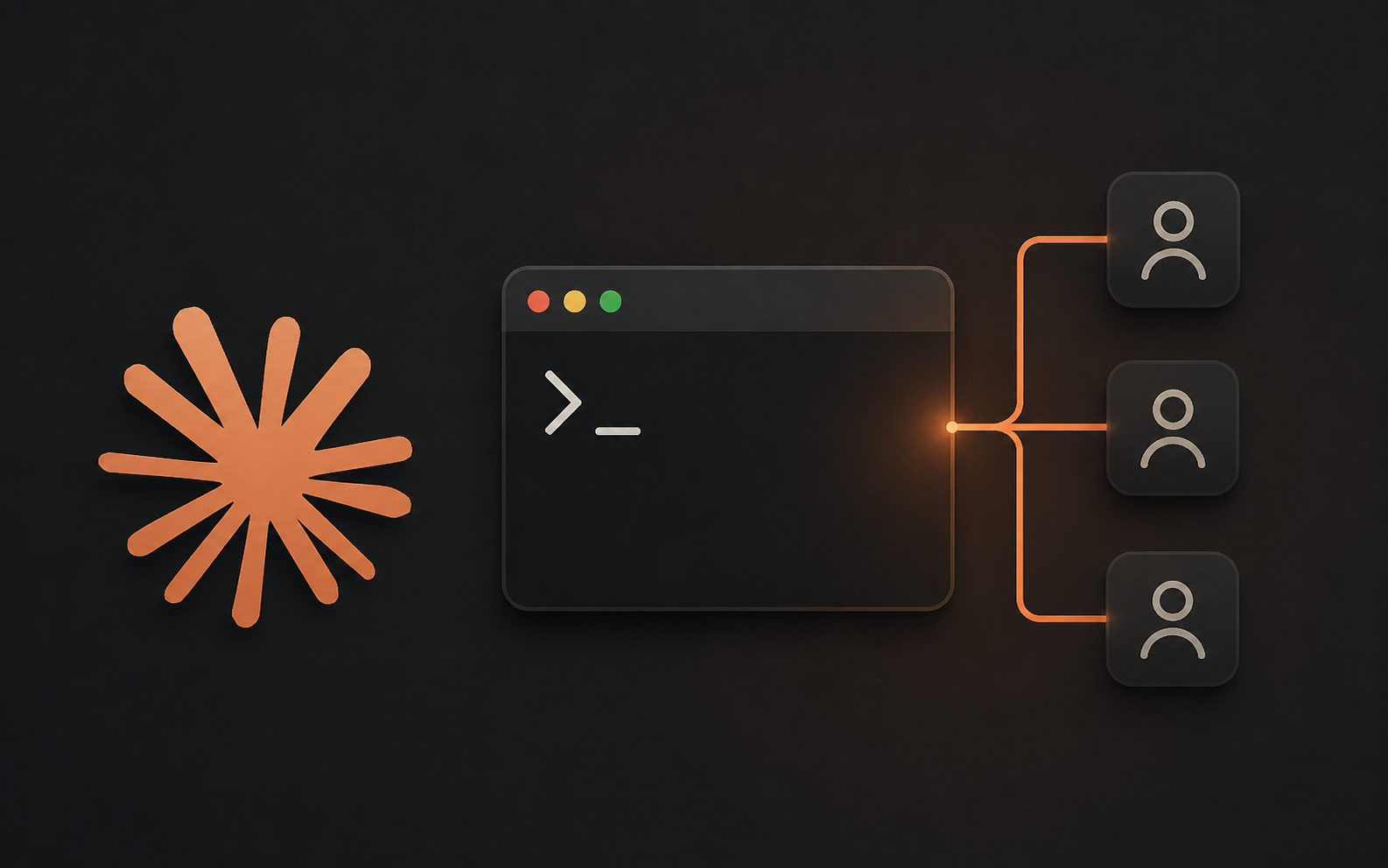
Claude Code Subagents: How to Set Up and Use Them
Give Claude Code isolated helpers that keep your context window clean and your long sessions from falling apart.
The AI brief for builders, operators, and leaders
Follow the AI developments reshaping work and the world, with practical context for what to do next.