Image: Flickr / Wikimedia Commons / Unsplash
How to Set Up and Use Semrush MCP for SEO Research in Claude
Connect Semrush to Claude, run a first query you can verify, and turn keyword research into one repeatable prompt.
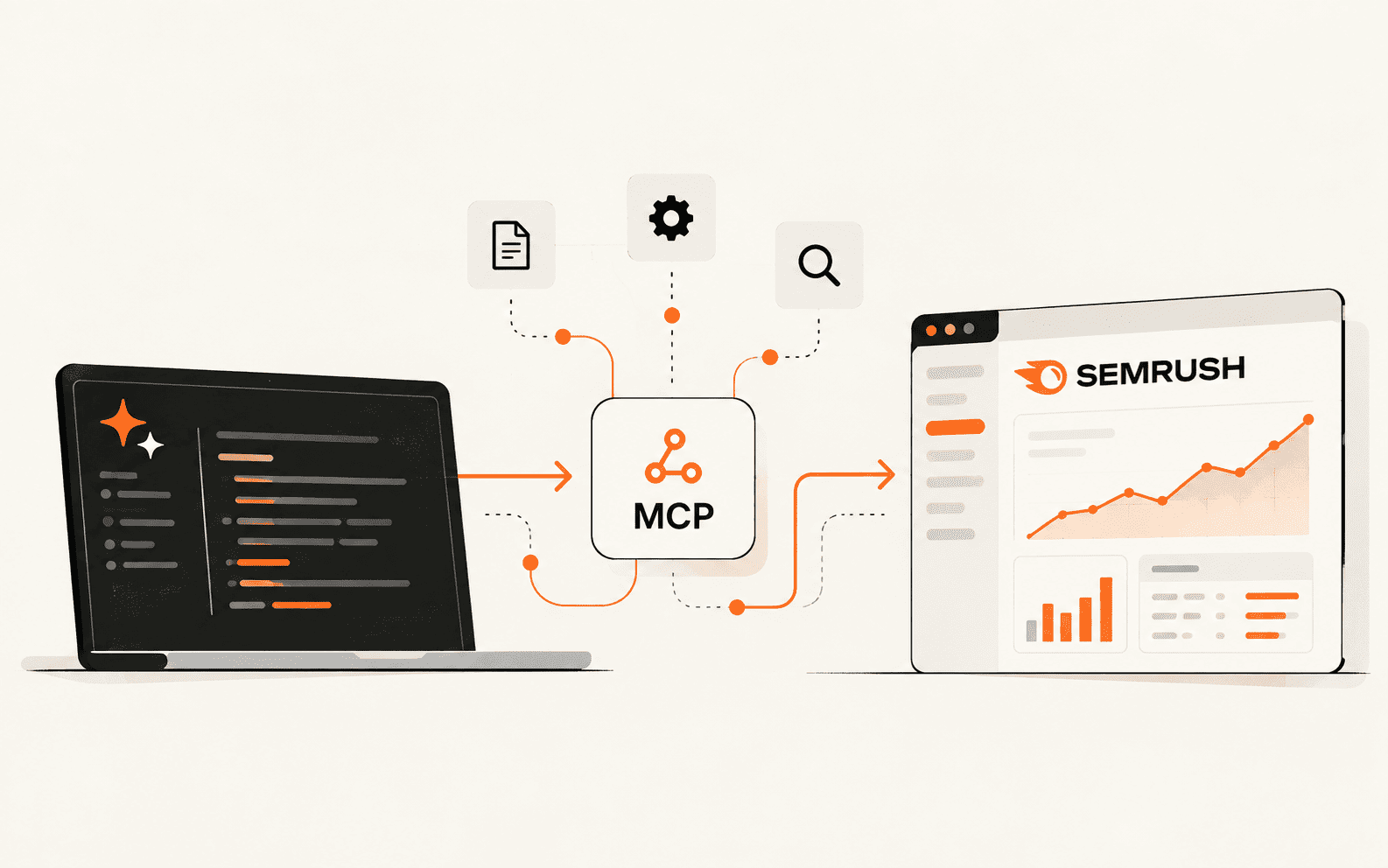
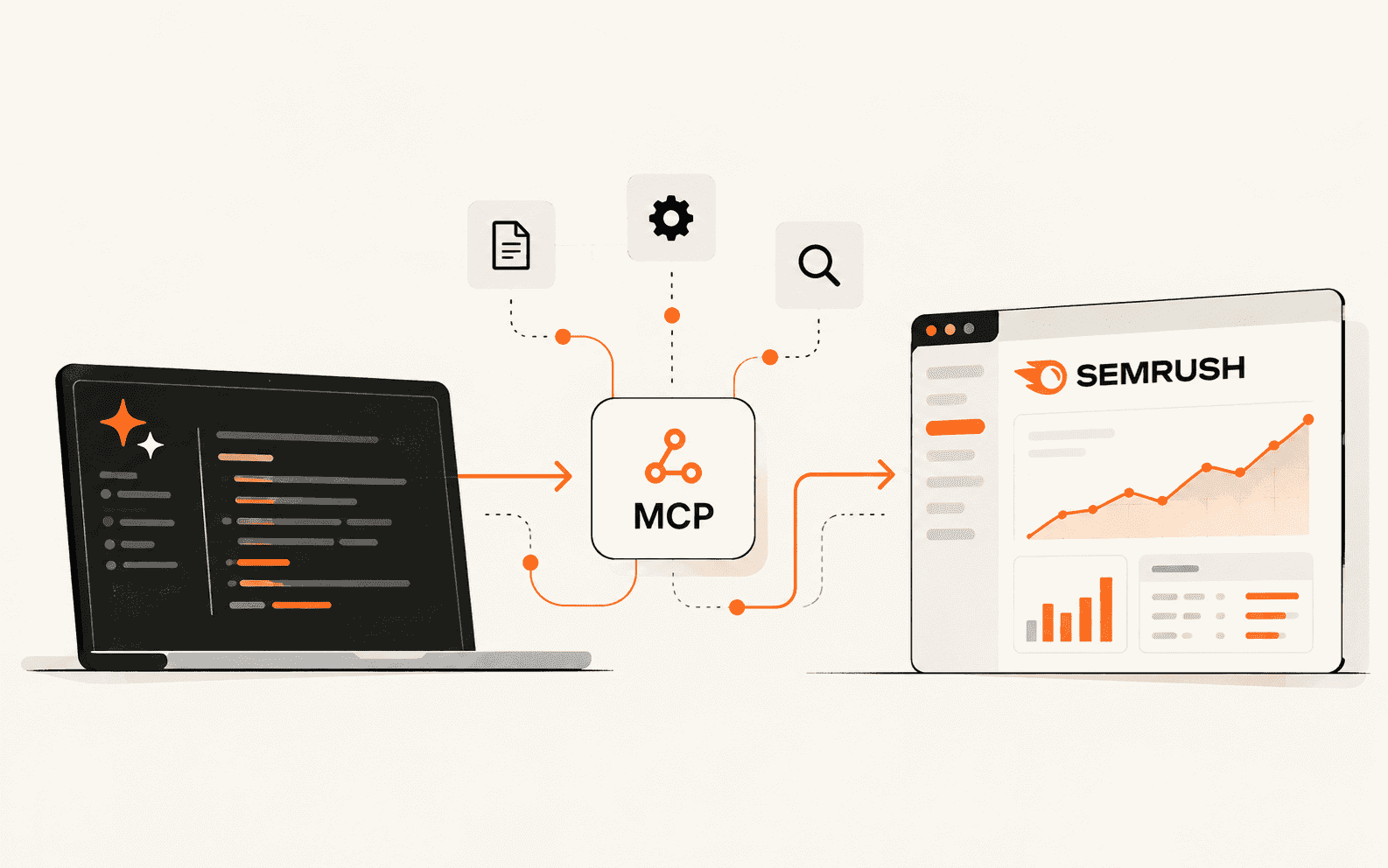
Semrush MCP lets Claude query live Semrush data inside a normal conversation, so keyword research, competitor checks, and site audit reviews no longer depend on exports and tab switching. This guide covers setup in the Claude app and Claude Code, a first test query, and a keyword research workflow I ran while writing this page. You will also see what it costs in API units and where the results need a second look.
Best For
- SEO specialists and content marketers
- Solo publishers and newsletter operators
- Agency owners managing several client sites
- Founders who do their own keyword research
Requirements
- An eligible Semrush plan with API units
- A Claude account with connectors enabled, or Claude Code installed
- A domain or topic to research
- About 20 minutes
What you need before you connect
Semrush MCP is not a separate product. It reads from the same Semrush API data you could call directly, and every request spends API units from your account. That makes your plan the first thing to check, before any setup.
According to Semrush's developer documentation, the plans that include MCP access for SEO data are Semrush One Starter, Semrush One Pro+, SEO Classic Pro, and SEO Classic Guru. Each comes with 50,000 API units that refresh on your renewal date. Semrush One Advanced and SEO Classic Business also work if you add an API units package. Traffic and market data is a separate route and needs a Trends API subscription.
I was using Semrush before AETW had any affiliate arrangement with it, so this is not a new recommendation. Semrush One combines the SEO toolkit with AI visibility tracking, which becomes useful later, when you want to check whether the pages you changed also show up in AI-generated answers.
Sources for this section
Connect Semrush MCP to Claude or Claude Code

The Claude app route is the shorter one, since Semrush ships an official app in the Claude connectors directory. Claude Code MCP setup takes a single terminal command. Both use OAuth, so you sign in with your Semrush login and never handle an API key.
In the Claude app:
- 1.Open Customize and go to Connect your apps.
- 2.Search for Semrush, select it, and click Connect.
- 3.Read the permissions on the approval screen and click Approve.
- 4.In any chat, type @Semrush to route a question through the connector.
In Claude Code, register the server over HTTP:
Then open Claude Code, run /mcp, pick Semrush MCP from the list, and choose Authenticate. A browser tab opens for the Semrush login.
Editors like Cursor take a small JSON entry instead. This is the Cursor version:
If your client cannot do OAuth, Semrush accepts an API key sent in the Authorization header. Keep that key out of screenshots and chat logs:
Run one small query before anything else
Do not open with a big research prompt. Ask for something small that you can check by opening Semrush in another tab. If the numbers match, you know the connection returns real data and not a confident guess. I would run this test first in any Claude SEO workflow, whatever the data source.
What Claude does behind that request

MCP, short for Model Context Protocol, is an open standard Anthropic introduced in November 2024 for connecting AI assistants to outside tools and data. Semrush's server exposes that data as a set of tools, and Claude uses them in a fixed order. First it calls a discovery tool for the area you asked about, like keyword_research or organic_research, which lists the reports available. Then get_report_schema returns the parameters that report needs. Finally execute_report runs it. I watched this sequence play out in the session I used for this guide, and it explains most of the odd behavior you will run into later.
The full discovery set in the docs covers domain_overview, organic_research, keyword_research, competitors_research, backlinks_research, audience_research, traffic_overview, paid_search_research, shopping_research, position_tracking, site_audit, and projects.
Two practical things follow. Claude picks a report by name, so a vague prompt can land on a different report than the one you wanted, and naming the metric you care about fixes that. Also, the project tools are read-only. Claude can read Position Tracking and Site Audit results from projects you already set up in Semrush, but it cannot create projects or change their settings.
Sources for this section
Turn keyword research into a repeatable SEO workflow
This is the method I used to pick the keywords for this guide. Semrush's phrase_these report accepts up to 100 keywords separated by semicolons, so the efficient move is to have Claude write a wide seed list and check all of it in one batch, instead of looking up keywords one at a time.
Two batches of about 18 seeds each cost 170 and 180 API units in my session, which works out to roughly 10 units per keyword row with volume, CPC, difficulty, intent, and trend included. Cost depends on the report and the columns you request, so check your balance under Subscription info in your Semrush profile after the first big run.
What the results looked like

These numbers come from that session, US database, September 2026.
- semrush mcp: 260 searches a month, difficulty 37, rising over the past year
- claude connectors: 1,900 a month, difficulty 28, climbing fast
- seo automation: 1,900 a month, difficulty 39, roughly flat
- seo workflow: 880 a month, difficulty 35, climbing
- claude code mcp: 3,600 a month, difficulty 31, steady but choppy
- semrush claude: 10 a month, difficulty 0, no intent label
That last row is the trap. Low-volume keywords came back with a difficulty of 0 and an empty intent column. It reads as easy, but it more likely means Semrush has too little data to score the keyword. Treat it as missing, not as an opening.
The trend column also arrives as twelve monthly values on a scale from 0 to 1, not as a percentage. I compared the first six months with the last six to call a keyword rising or flat. And 260 searches a month for the primary keyword is small, but the query is only a few months old and its trend line is one of the steepest in the set.
More SEO automation jobs to hand to the connection
Keyword batches are the easiest place to start. Once the connection is stable, these are the next requests I would try:
- Competitor gaps: ask for the organic competitors of your domain, then the keywords they rank for that you do not, sorted by difficulty.
- Content refresh: pull your ranking pages, find the ones that slipped, and have Claude summarize what changed in the results around them.
- Post-publish checks: read Position Tracking for your target keyword two and four weeks after a page goes live.
- Site health: read the latest Site Audit for a project and rank the issues by how many pages each one touches.
Position Tracking and Site Audit need a project that already exists in Semrush, because the connection can read projects but not create them. Semrush's own documentation floats a further step: monthly traffic and SEO reports written straight into Google Docs or Notion. Chains like that are worth packaging as a Claude Code skill, or as a small SEO agent, once you trust the individual steps.
When the connection misbehaves
- A redirect URI error at sign-in means the client is not on Semrush's allowed list yet. Send Semrush support the client name and the URI shown in the error.
- A 400 error in the browser usually clears up if you delete cookies for the Semrush login and restart the authorization.
- No Semrush tools in Claude: finish the authentication step, confirm your plan, and read any error in the client's MCP log.
- Empty or refused reports: your plan may not cover that API, or your units may be spent. Both show under Subscription info in your profile, and Trends data needs a Trends API subscription.
- Sign-in page never opened: most clients print a link you can paste into a browser by hand.
Sources for this section
Before you rely on the output
After the first clean run

If MCP itself is still fuzzy, start with our explainer on MCP servers. If you prefer the terminal, the Claude Code beginner guide covers the install. Once the Semrush connection is stable, packaging your keyword prompt as a skill saves retyping it. For a wider view of the field, see how Semrush sits in our ranking of AI SEO tools.
Brian Weerasinghe is the founder and editor of AI Eating The World, where he covers artificial intelligence, tech companies, layoffs, startups, and the future of work. His reporting focuses on how AI is transforming businesses, products, and the global workforce. He writes about major developments across the AI industry, from enterprise adoption and funding trends to the real-world impact of automation and emerging technologies.