Image: Flickr / Wikimedia Commons / Unsplash
Claude Code Subagents: How to Set Up and Use Them
Give Claude Code isolated helpers that keep your context window clean and your long sessions from falling apart.
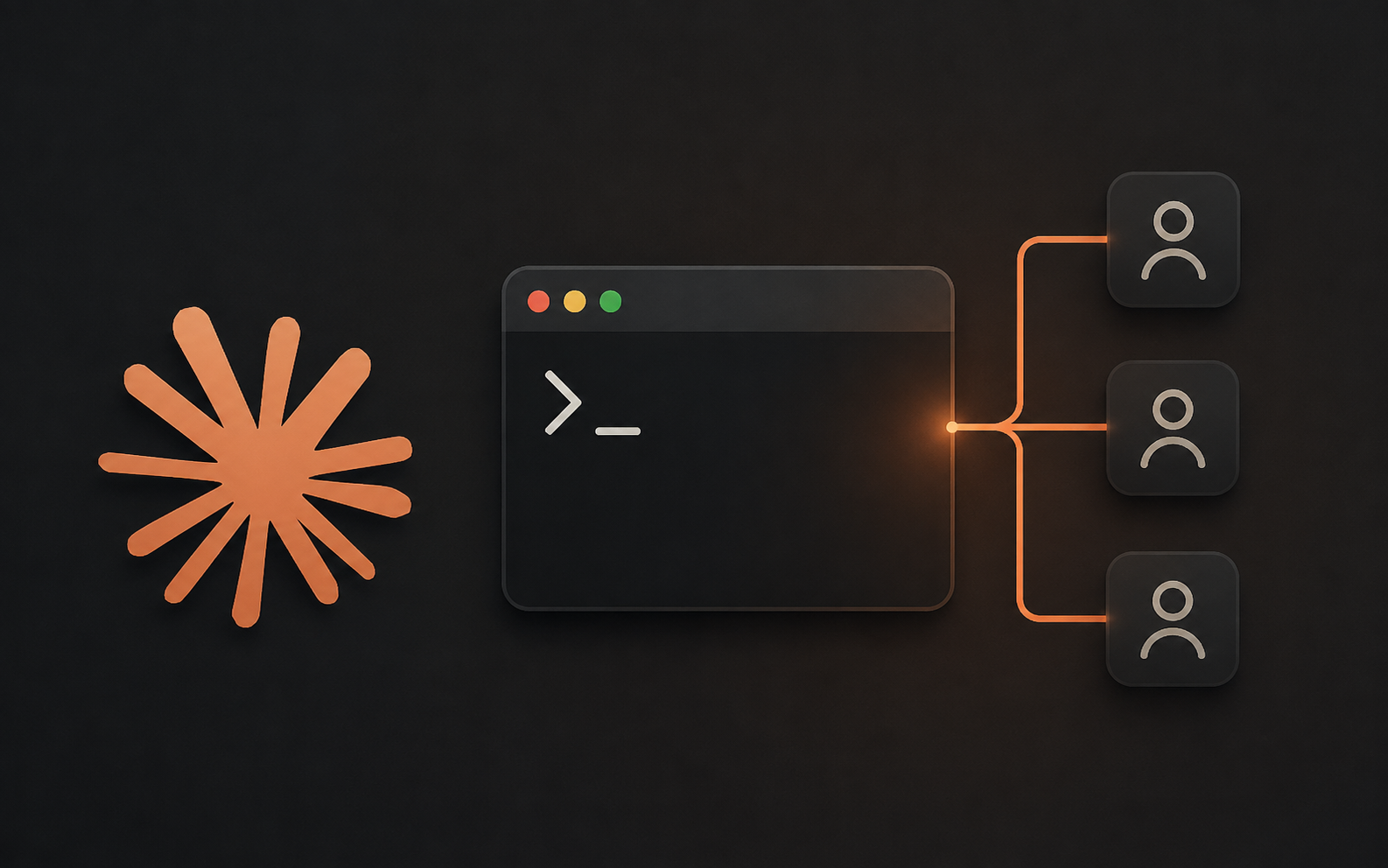
Claude Code subagents let you delegate research, code review, and debugging to isolated Claude instances that keep verbose output out of your main conversation. This guide covers how subagents work, how to write and scope one with YAML frontmatter, and the patterns experienced users rely on for parallel research, chained workflows, and controlling token costs on long sessions.
Best For
- Claude Code users hitting context limits mid-session
- Developers running multi-step workflows like review, then fix, then test
- Teams who want shared, version-controlled agent definitions
- Anyone tired of watching auto-compaction erase useful context
Requirements
- Claude Code installed and authenticated, v2.1.198 or later recommended
- A project directory, ideally under version control
- Basic comfort editing Markdown and YAML frontmatter
What a subagent actually changes
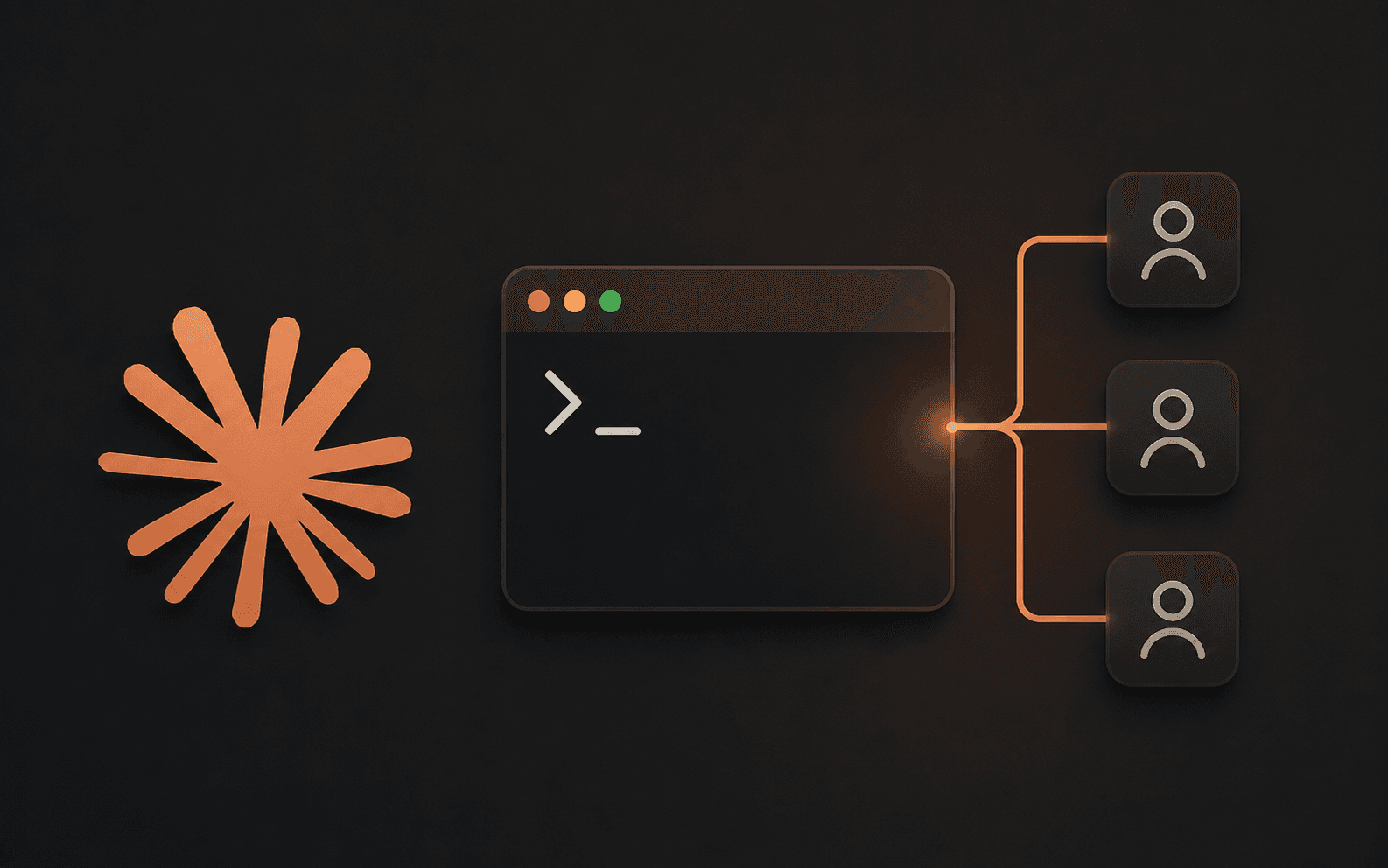
A Claude Code subagent is a specialized assistant that handles one type of task in its own context window, with its own system prompt, tool access, and permissions. When Claude spots a task matching a subagent's description, it hands that work off, lets the subagent run independently, and only pulls the summary back into your main conversation.
This matters because a long Claude Code session accumulates everything: file reads, command output, dead-end reasoning. Every one of those tokens costs money on the next turn and crowds out room for the file you actually need next. Auto-compaction kicks in as a safety net, but it is lossy. Subagents sidestep the problem by keeping the messy exploration work in a separate transcript that never touches your main thread.
Sources for this section
Ask Claude to build your first one
The fastest way to create a subagent is to describe it and let Claude write the file. Tell it what the subagent should do, where to save it, and any tool restrictions you want.
In Claude Code, describe the subagent you want and where to save it:
Claude writes the Markdown file with a name, description, tools list, model, and system prompt. Open it and confirm the frontmatter matches what you asked for, then try it out:
If Claude cannot find the new subagent, restart Claude Code. This only happens when the agents directory did not exist before the session started, since a running session will not detect a brand new folder.
The frontmatter fields that matter
A subagent file is Markdown with YAML frontmatter on top and the system prompt as the body. Only name and description are required. Everything else has sensible defaults.
- name: a unique lowercase, hyphenated identifier
- description: what the task looks like when Claude should delegate to this subagent; write it clearly, since Claude uses it as a routing hint
- tools: an allowlist of tools the subagent can use; omit it and the subagent inherits every tool available to subagents
- model: sonnet, opus, haiku, fable, a full model ID, or inherit; defaults to inherit
- permissionMode: default, acceptEdits, plan, or bypassPermissions, among others; controls how the subagent handles permission prompts
- memory: user, project, or local; gives the subagent a persistent directory that survives across conversations
Project-level vs personal subagents
Where you save a subagent file decides who can use it. Project subagents live in .claude/agents/ and are scoped to that codebase, so check them into version control and let your team build on the same definitions. Personal subagents live in ~/.claude/agents/ and follow you into every project on your machine, which suits portable habits like repo exploration or docs lookup.
When two subagents share a name, the higher-priority location wins. Project subagents outrank personal ones, and both outrank subagents bundled in a plugin.
A subagent worth copying
This is a read-only code reviewer that excludes Edit and Write on purpose, so it can look at your changes without touching them. Save it as .claude/agents/code-reviewer.md and adjust the checklist to match your team's standards.
To use it deliberately instead of leaving the choice to Claude, type an @-mention: @code-reviewer look at the auth changes.
Patterns worth stealing
Three patterns cover most of what makes subagents worth the setup time.
Isolate high-volume operations. Running a test suite or fetching documentation can flood your context with output you will never reference again. Delegate it:
Run parallel research. For independent investigations, spawn several subagents at once and let Claude synthesize the findings:
Chain subagents for multi-step workflows, where each one finishes and hands relevant context to the next:
Where subagents cost you tokens
Subagents are not free. Each one starts a fresh context window, so it has to rediscover relevant project context before it can help, and the summary that comes back still consumes tokens in your main conversation. Running several subagents that each return detailed results can add up fast, and delegation itself has overhead that a quick, targeted change does not need.
Reach for the main conversation instead when the task needs frequent back and forth, when multiple phases share heavy context such as planning and implementation, or when latency matters more than isolation.
Sources for this section
Before you rely on this workflow
Run through this before you build out a full subagent setup for a project.
- Each subagent has one clear job, not a catch-all persona that tries to review, edit, test, and plan
- Tool access is scoped down to only what that subagent needs, especially for anything with Bash or file writes
- Project subagents are checked into version control so your team shares the same definitions
- You have tested a new subagent on one small task before trusting it with something bigger
- You are watching for subagent sprawl. If a task is small enough for one or two file reads, it usually does not need a subagent at all
Where this fits with the rest of your setup
Subagents are one piece of a larger context strategy. If your subagents burn tokens fast on codebase search specifically, pairing them with a pre-built knowledge graph cuts that overhead further. If you are hitting Claude Code usage limits generally, start with the broader fix before adding more subagents on top.
Brian Weerasinghe is the founder and editor of AI Eating The World, where he covers artificial intelligence, tech companies, layoffs, startups, and the future of work. His reporting focuses on how AI is transforming businesses, products, and the global workforce. He writes about major developments across the AI industry, from enterprise adoption and funding trends to the real-world impact of automation and emerging technologies.