Image: Flickr / Wikimedia Commons / Unsplash
How to Use Higgsfield CLI to Generate Images and Videos Inside Claude
Connect Higgsfield's 30+ creative models to Claude Code, Cursor, or Codex in three commands and generate production-ready visuals from a conversation.
Best For
- Developers using Claude Code, Cursor, or Codex
- Marketers building AI-assisted content pipelines
- Founders who want production visuals without a design team
- Builders running agentic workflows that need media output
Requirements
- Node.js installed (for npm)
- A Higgsfield account (free to create at higgsfield.ai)
- Claude Code, Cursor, Codex, or any MCP-compatible agent
- An active Higgsfield plan with credits
What Higgsfield CLI actually does

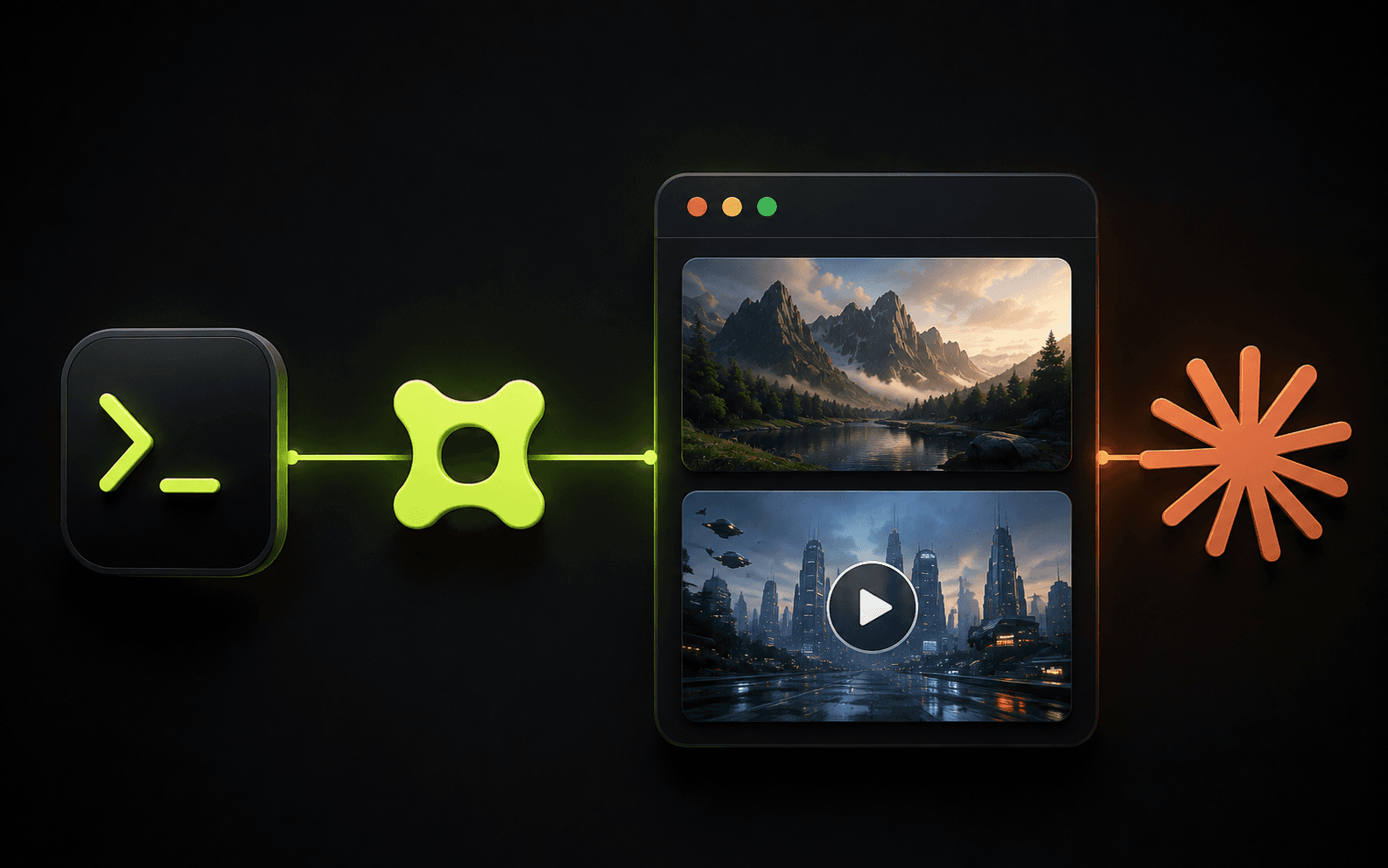
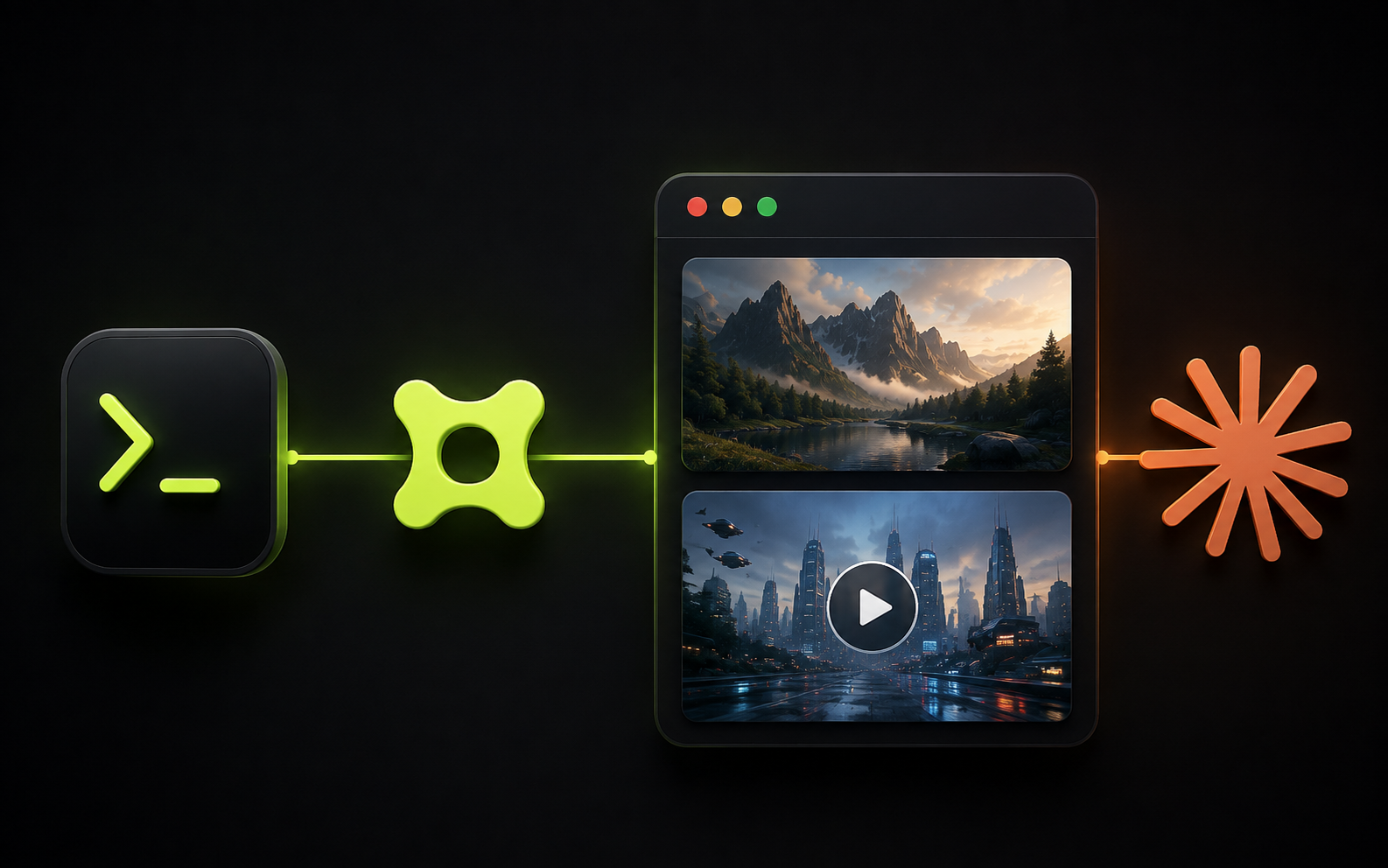
Higgsfield CLI is a command-line layer that connects Higgsfield's image and video generation platform to any AI agent that supports MCP (Model Context Protocol). Once installed, your agent can generate images up to 4K, produce cinematic videos up to 15 seconds, train consistent characters, and pull from your full generation history - all from inside a chat session.
The CLI handles authentication, asset uploads, and async polling automatically. You don't manage API keys or write request code. You describe what you want in plain language, and your agent calls the right Higgsfield model for the job.
It pairs cleanly with Claude Code, Cursor, Codex, OpenClaw, Hermes Agent, and NemoClaw. If your agent supports MCP, Higgsfield connects to it.
Install in one line
Setup takes three commands. Run them in order and you'll be generating inside your agent within five minutes.
- 1.Install the CLI globally: npm install -g @higgsfield/cli
- 2.Authenticate your Higgsfield account: higgsfield auth login — this opens a browser window and completes in about 5 seconds.
- 3.Add the Higgsfield skills to your agent: npx skills add higgsfield-ai/skills — this syncs the skills registry and makes models like Soul, Seedance, Kling, and Veo available to your agent.
The models you get access to
Once connected, your agent can reach 30+ models across image and video. For images: Soul 2.0 and Nano Banana for photorealistic and stylized stills, Cinema Studio for film-quality renders, Flux 2 and GPT Image 2 for prompt-heavy generation, and Seedream for aesthetic output. For video: Seedance 2.0, Kling 3.0, Veo 3.1, Minimax Hailuo, and WAN 2.6 for motion at up to 15 seconds.
Your agent selects the best model automatically based on your request, or you can name one explicitly. For character-consistent work across multiple images or scenes, Soul Characters handles training and persistence so the same face or product appears correctly across every generation.
What to say to your agent
Once Higgsfield skills are added, you trigger generation with natural language. The prompt structure below works well for most single-asset requests. Adjust model, aspect ratio, and duration based on what you need.
Practical workflows worth knowing
Product photography without a studio: describe your product, the background, and lighting style. Claude calls Nano Banana or Cinema Studio, returns a lifestyle shot ready for listing pages or ads. Iterate by referencing the last output and asking for variations.
Ad creative at scale: describe your campaign angle and target format (UGC, TV spot, unboxing). The marketing skills handle niche research, video generation across formats, and outreach copy. Higgsfield positions this as a replacement for a $5K/mo agency retainer - from one brief.
Content channel automation: feed listings or trending topics into your agent, generate one polished video per item, and distribute via your platform of choice. The full workflow runs from prompt to published asset without leaving the conversation.
Iterative character work: train a Soul Character from reference photos, then generate that character across different scenes, outfits, and locations. Useful for brand ambassadors, influencer content, or consistent visual identities across a campaign.
How credits and pricing work
Higgsfield CLI uses the same credit system as the web platform. Each generation costs credits based on the model and resolution - images are cheaper, 4K video costs more. Your existing Higgsfield plan credits carry over automatically; no separate billing for CLI usage.
There is no API key to manage. Authentication is tied to your Higgsfield account login, which you complete once via the browser during setup. After that, the CLI handles token refresh in the background.
Before you generate
Where this breaks down
Video generation is asynchronous. The agent polls for results, which means there is a wait between request and delivery - anywhere from a few seconds for images to longer for video depending on model and duration. Do not cancel mid-session if the agent appears idle; it is likely waiting on the generation queue.
If your agent does not pick up Higgsfield skills after running the npx command, restart the agent session. Some clients cache the tool registry on startup and will not reflect new additions until relaunched.
Credit errors during generation typically mean your plan does not have enough credits for the requested model or resolution. Check your Higgsfield dashboard and either upgrade or switch to a lighter model.
Brian Weerasinghe is the founder and editor of AI Eating The World, where he covers artificial intelligence, tech companies, layoffs, startups, and the future of work. His reporting focuses on how AI is transforming businesses, products, and the global workforce. He writes about major developments across the AI industry, from enterprise adoption and funding trends to the real-world impact of automation and emerging technologies.