Image: Flickr / Wikimedia Commons / Unsplash
How to Save Tokens in Claude Code Using Graphify
Stop burning your Claude usage limits on file search. Build a knowledge graph once, query it forever.
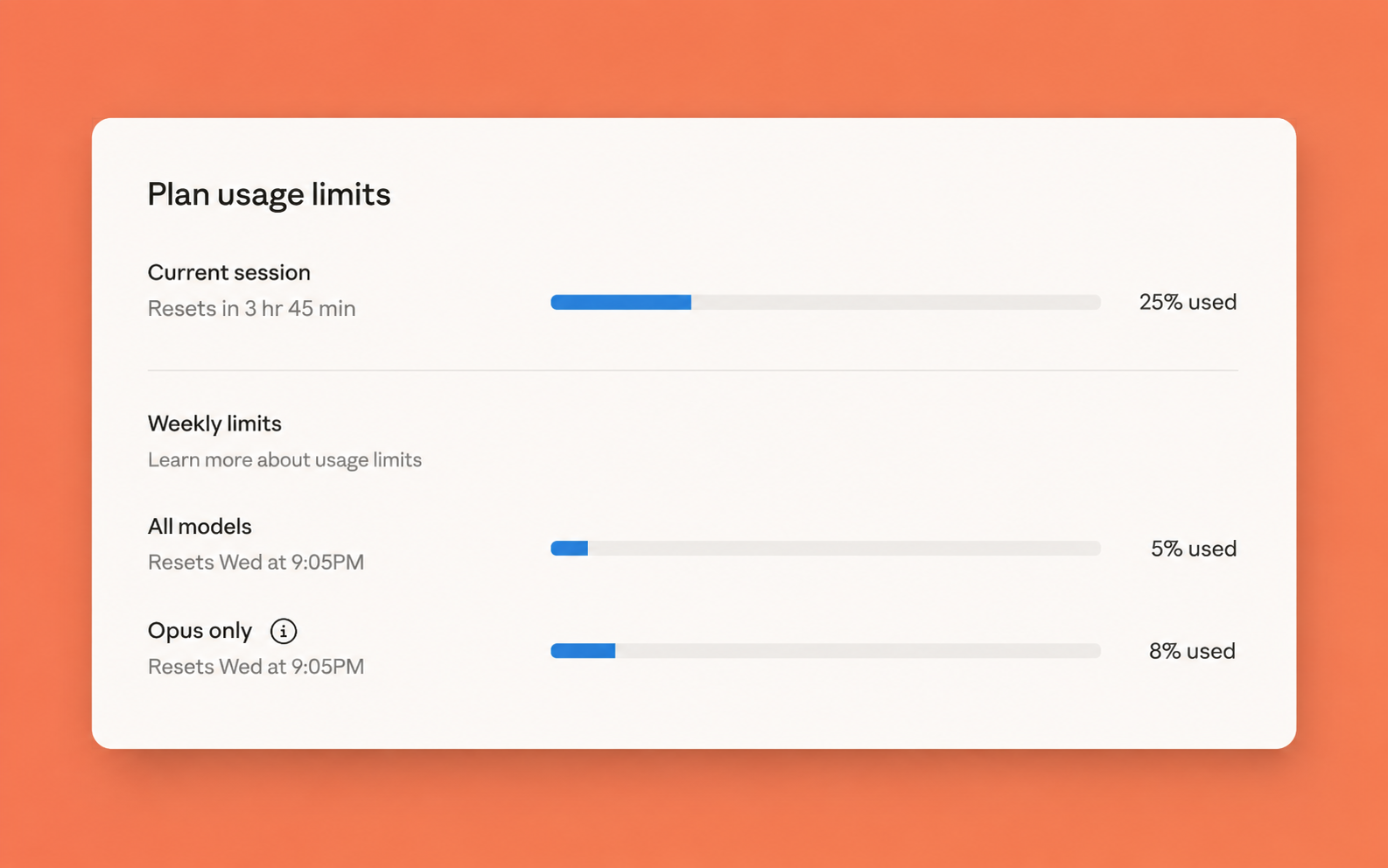
If you use Claude Code heavily, you have almost certainly seen the usage limit warning cut your session short. The cause is usually not the code you are writing - it is the token overhead of Claude re-reading your project from scratch every session. Graphify is an open-source Claude Code skill that pre-compiles your codebase into a queryable knowledge graph, so Claude navigates structure instead of running Glob and Grep calls. This guide covers installation, Claude Code integration, and the workflow changes that actually move the needle on token savings.
Best For
- Claude Code users hitting session or daily usage limits
- Developers working on large codebases with 20 or more files
- Teams who want shared project context without paying the rebuild cost every session
- Engineers running Claude Code on 50k+ line monorepos
Requirements
- Python 3.10 or later
- Claude Code installed and authenticated
- uv (recommended), pipx, or pip
- A codebase or project folder to index
Why Claude Code burns through your usage limits
Every Claude Code session starts blind. When you open a project, Claude has no memory of what it saw last time. To answer a basic architecture question, it runs Glob to find files, Grep to search content, and Read to open files one by one. On a mid-size Python or TypeScript project, that navigation overhead alone can cost 15,000 to 20,000 tokens before Claude has enough context to give a useful answer.
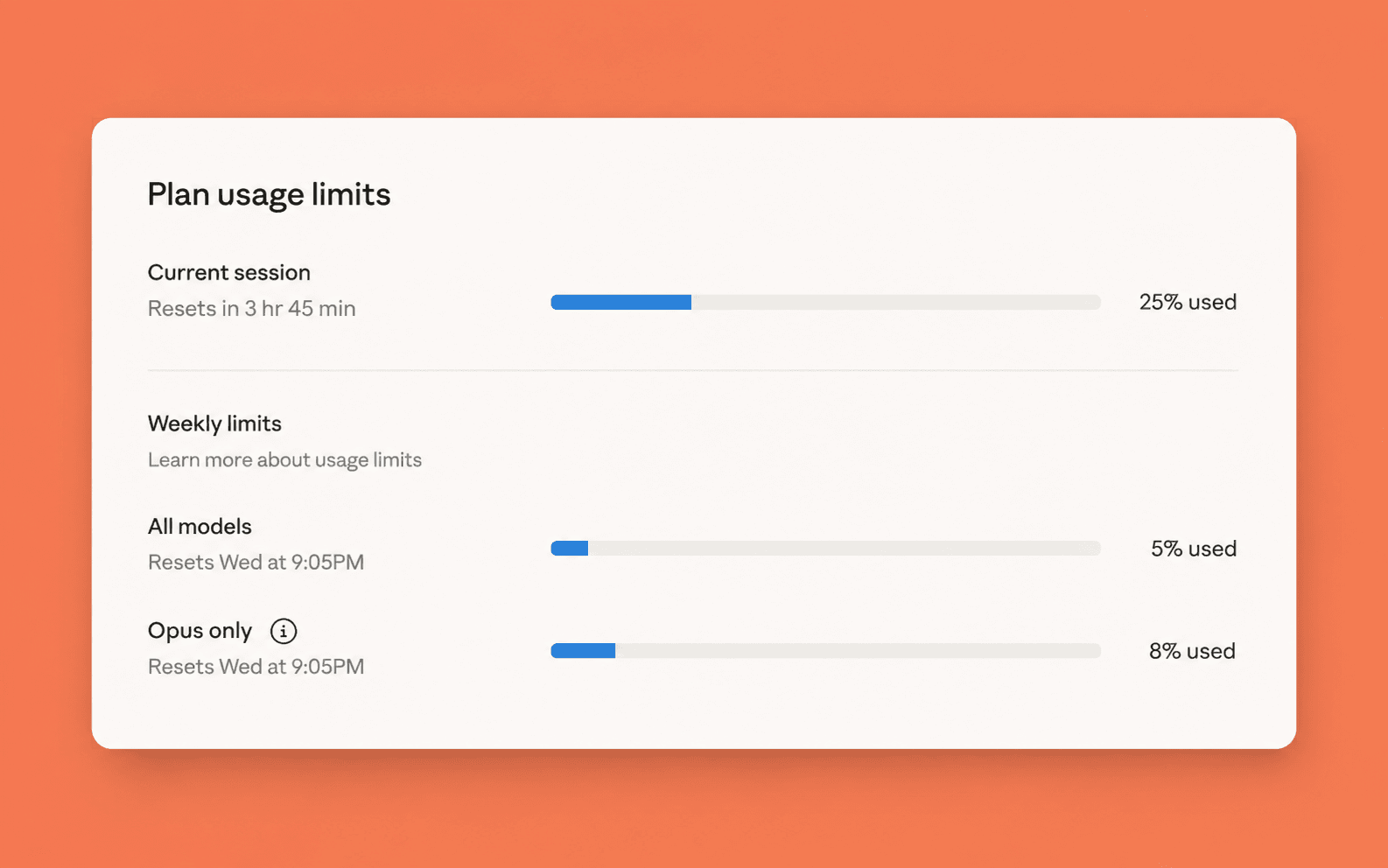
For active users, this adds up to 300,000 to 400,000 tokens per week. On Claude Pro or a Claude Code subscription, that is exactly the kind of usage pattern that triggers the claude usage limits warning that ends your session early.
The root cause is structural. Claude is not slow or imprecise. It simply has no map. Every session it rediscovers your codebase the same way a new engineer would on day one, searching around and asking clarifying questions before doing any real work.
Sources for this section
What Graphify does instead

Source: graphifylabs.ai
Graphify is an open-source Claude Code skill (61,000 GitHub stars, backed by Y Combinator S26) that processes your project once, builds a persistent knowledge graph, and injects that graph as context before Claude ever touches a raw file. Instead of search calls, Claude reads graph nodes and edges to understand your project's structure.
The graph is built in three passes. First, tree-sitter AST processing extracts code structure locally - no API call required, no file contents leave your machine. Second, video and audio files are transcribed locally with faster-whisper. Third, docs, PDFs, and images go through an LLM extraction pass that pulls concepts and relationships into the graph.
The benchmark most widely cited is 71.5x fewer tokens per query on a 52-file corpus. Token reduction scales with project size - a 6-file project fits in Claude's context window anyway, so the graph adds structural clarity rather than compression. On a 50,000-line codebase, the savings are significant.
Sources for this section
Install Graphify
Graphify is distributed as a Python package on PyPI. One naming detail to get right: the PyPI package is graphifyy (double y). Other packages named graphify on PyPI are not affiliated with this project. The CLI command you run afterward is still graphify (single y). Using uv is recommended because it manages PATH automatically and isolates the package in its own environment, avoiding the ModuleNotFoundError that plain pip can produce on Mac and Windows.
Sources for this section
Install via uv (recommended on Mac and Linux):
Install via pipx (alternative):
Install via plain pip (requires manual PATH setup on Mac and Linux):
Once installed, register the skill globally with your AI assistant:
Quick install by operating system:
- macOS: brew install python@3.12 uv
- Windows: winget install astral-sh.uv
- Ubuntu/Debian: sudo apt install python3.12 pipx or curl -LsSf https://astral.sh/uv/install.sh | sh
Connect Graphify to Claude Code
graphify install registers the skill, but graphify claude install is what wires up the always-on behavior inside Claude Code. This command writes a PreToolUse hook to your Claude Code settings.json that fires automatically before any Glob or Grep call, intercepting file search and replacing it with a graph query. Run this from inside your project directory after building a graph (covered in the next section).
Run this inside your project directory to install the always-on Claude Code hook:
The hook written to settings.json looks like this:
Every time Claude Code is about to run a Glob or Grep call, this hook fires first. It queries the graph and returns a structured JSON payload with relevant nodes, edges, and community context. Claude reads the graph result instead of running the search.
- Project-scoped install (writes to current repo instead of user profile): graphify install --project
- Uninstall from all platforms at once: graphify uninstall
- Remove graphify-out/ folder along with uninstall: graphify uninstall --purge
- Uninstall only from Claude Code: graphify claude uninstall
Build your first knowledge graph

Once Graphify is installed and connected to Claude Code, open Claude Code in your project directory and run the main command. On first run, expect 60 to 90 seconds on a medium-size project. Subsequent incremental builds only reprocess changed files and are significantly faster. Code files are processed locally with no API call - only docs, PDFs, and images require an LLM extraction pass.
Inside Claude Code, in your project directory:
Three output files are created under graphify-out/:
- graph.html - interactive visualization you can open in any browser (click nodes, filter, search)
- GRAPH_REPORT.md - highlights including god nodes (most-connected concepts), surprising connections, and suggested questions Claude is uniquely positioned to answer
- graph.json - the full graph in JSON format, queryable without re-reading your files
On very large graphs (over 5,000 nodes), skip the HTML to avoid browser slowdowns:
At the start of future sessions, refresh only changed files instead of rebuilding:
Query the graph instead of grepping raw files
Once the graph is built, Graphify changes how Claude Code navigates your project. The always-on PreToolUse hook handles the most common case: whenever Claude is about to run Glob or Grep, it reads the graph first and returns structured context. That covers most exploratory and orientation questions automatically.
For architectural questions - how two systems connect, what depends on what, why a specific design decision was made - you can call graph queries directly. These go deeper than the summary in GRAPH_REPORT.md, traversing the raw graph.json hop by hop and surfacing edge-level detail like relation type and confidence score.
Ask Claude Code about a connection between two parts of your codebase:
Trace the exact path between two named components:
Get a plain-English explanation of a specific component and its relationships:
You can also generate a readable architecture page with Mermaid call-flow diagrams:
Think of it this way: the always-on hook gives Claude a map. The /graphify query, path, and explain commands let Claude navigate that map precisely when you need specific answers.
Where the savings compound the most
The token reduction is most significant on large projects. A 50,000-line monorepo where Claude currently runs multiple Glob and Grep cycles per question is the ideal use case. On smaller projects (under 20 files), Graphify adds structural clarity but the compression benefit is minimal.
Savings also compound in team setups. The graphify-out/ folder is designed to be committed to git. One developer runs /graphify . and commits the output. Everyone who pulls starts with the graph already built and does not pay the rebuild cost. A post-commit hook keeps the graph current automatically.
For CI pipelines or headless extraction without an active IDE session, Graphify supports a claude-cli backend that routes through your Claude Code subscription rather than a separate Anthropic API key:
Sources for this section
This routes through your existing Claude Code subscription, not a separate Anthropic API key. It is the most cost-efficient path for CI extraction on teams that already use Claude Code.
Install the commit hook to auto-rebuild the graph (AST only, no API cost) after each commit:
When Graphify is not the right call
On small codebases where everything fits in Claude's context window anyway, Graphify can increase token usage rather than reduce it. Each /graphify query invocation carries its own token overhead. When Claude Code runs 3 to 4 query invocations in a single workflow, that adds up to 8,000 or more tokens - sometimes more than a direct file read would have cost. This is documented in the Graphify GitHub issue tracker.
The clear signal that Graphify is helping: Claude Code is running 4 or more Glob or Grep calls to answer a single question. That is when the graph query is cheaper than the search chain. If your project is small enough that Claude answers questions in 1 to 2 file reads, the graph adds overhead rather than removing it.
A rough threshold: Graphify is worth setting up on projects with 20 or more files, or where you repeatedly hit the claude code usage limit mid-session due to navigation overhead. Below that, the structural clarity is useful but the compression benefit is negligible.
Session habits that stack the savings
Related resources
Brian Weerasinghe is the founder and editor of AI Eating The World, where he covers artificial intelligence, tech companies, layoffs, startups, and the future of work. His reporting focuses on how AI is transforming businesses, products, and the global workforce. He writes about major developments across the AI industry, from enterprise adoption and funding trends to the real-world impact of automation and emerging technologies.