Image: Flickr / Wikimedia Commons / Unsplash
How to Do a Brand Refresh in Five Minutes with Claude Design
Use Claude Design to build a full visual system — typography, colors, components, and slide templates — without touching a design tool.
Best For
- Founders and consultants with an existing brand that needs a sharper visual system
- Marketers who want a strong starting point before handing work to a designer
- Anyone building decks, landing pages, or product mockups who wants one consistent system
Requirements
- Claude paid plan with access to Claude Design (claude.ai/design)
- A screenshot of your current website
- A second AI tool for the brand brief step (ChatGPT or similar)
- Optional: logo files, wordmarks, and brand fonts
What you will get out of this
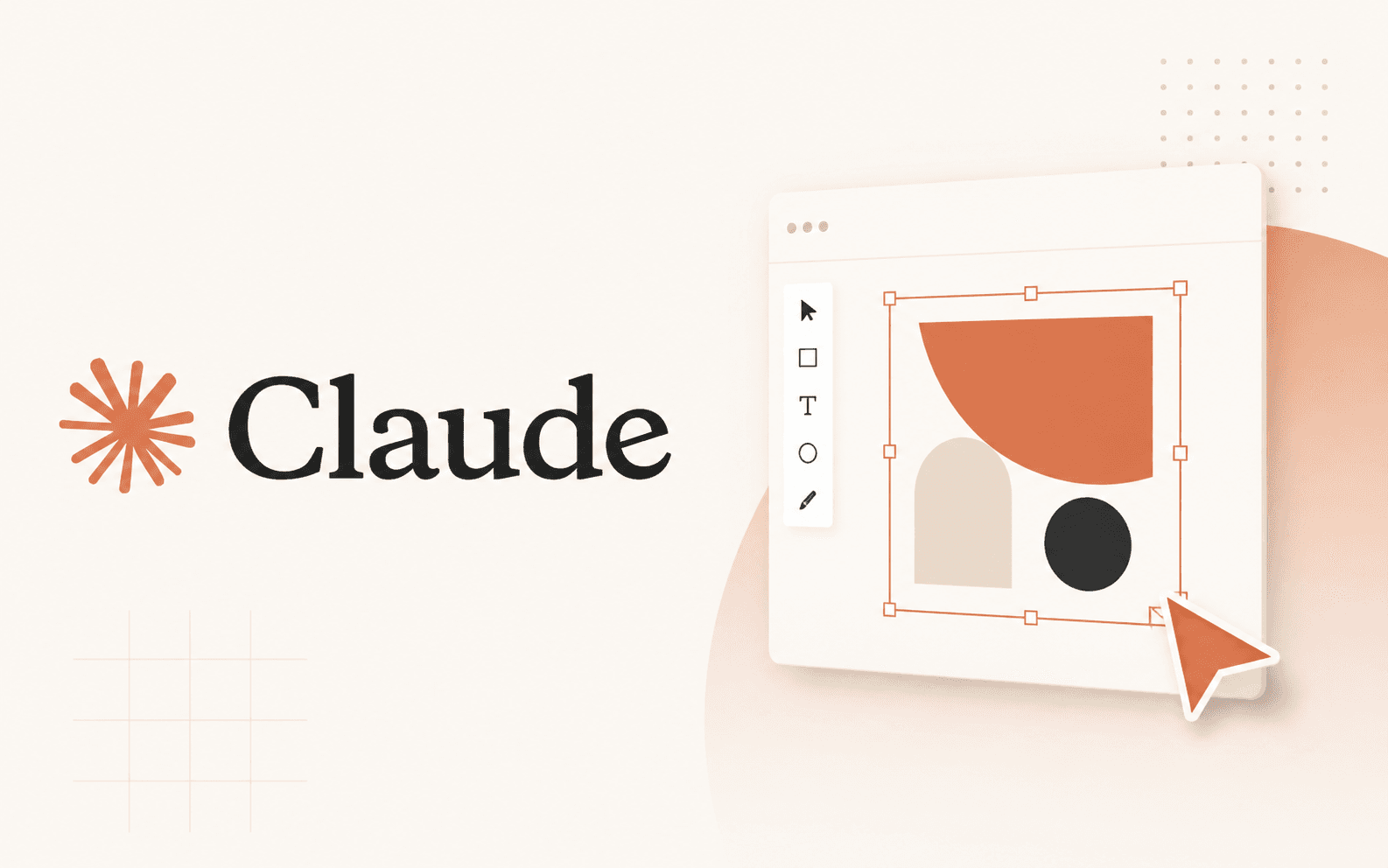
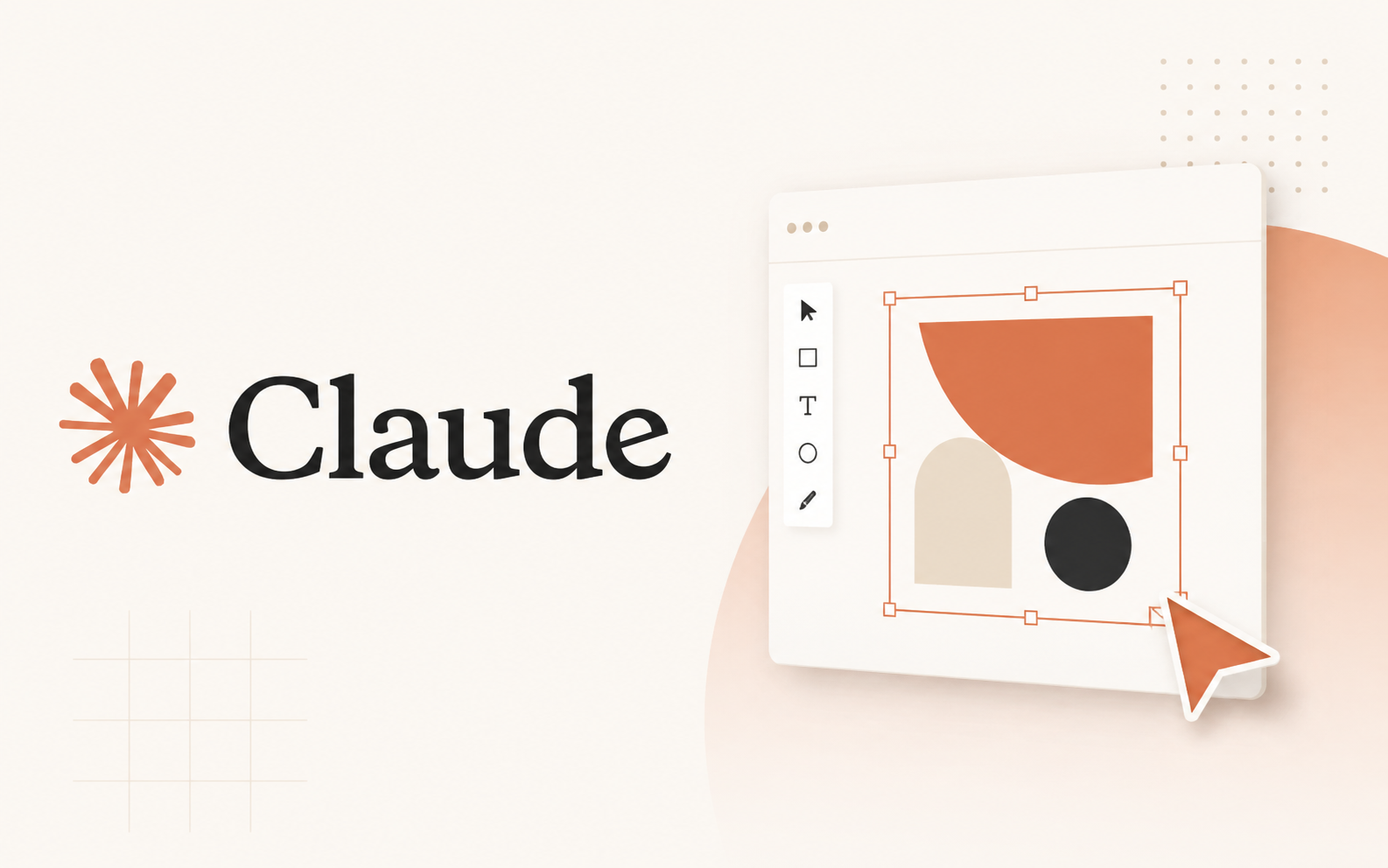
Claude Design does not just give you a moodboard. It produces a full design system: typography direction, a structured color palette, reusable web components like buttons, cards, inputs and badges, a refreshed website direction, and slide templates — all built from the same visual language.
That is the actual value here. You are not doing one-off inspiration gathering. You are getting a connected system you can keep pulling from when you build decks, landing pages, or product mockups.
Get a refreshed brand description first
Claude Design works best when you give it a clear brief. The fastest way to get one is to take a screenshot of your current site and drop it into your preferred AI with this prompt.
- 1.Screenshot your current website
- 2.Drop the screenshot into ChatGPT or your preferred AI
- 3.Use the brand refresh prompt below to generate a clean brief
- 4.If the output is too long, ask the AI to tighten it before moving on
- 5.Ask it to compile the final brief into one clean copyable block
The brand refresh prompt
This prompt is designed to get a brief you can paste directly into Claude Design without editing. The goal is a sharper version of what you already have — not a reinvention.
Generate a logo and wordmark before you open Claude Design
Take the refreshed brand description and use it to generate a logo and a wordmark. ChatGPT's image model works well for this, but any image generation tool will do.
Download both files even if they are rough. Claude Design uses your uploaded assets to anchor the visual direction — giving it a real logo, even an imperfect one, produces better output than starting from a description alone.
Set up the design system in Claude Design
Go to claude.ai/design and open the Design Systems tab. Create a new design system and fill in the setup as follows.
- 1.Paste your brand name in the first field
- 2.Paste the full refreshed brand description in the last field
- 3.Upload your logo, wordmark, and any other brand assets
- 4.Add GitHub or Figma inputs if you have them — optional but useful
- 5.Start the generation
What Claude will build
A standard run produces: a primary and accent color family, neutral and surface colors, status colors, spacing rules, corner radii, elevation tokens, and component groups covering buttons, inputs, cards, list rows, status pills, and charts.
The neutral palette tends to be one of the stronger outputs. You can expect a full range from deep blacks through graphite tones to soft whites — each labeled and ready to drop into a project.
Beyond foundations, Claude will generate a refreshed learning dashboard or marketing page that uses the same palette, plus slide templates you can take directly into presentations.
On timing — budget more than five minutes
Claude says generation takes about five minutes. In practice, expect 10 to 15 when the tool is busy. Do not start this when you have a deadline in 20 minutes.
Also worth noting: Claude Design may push back on redesigning an established brand directly. If that happens, use a secondary AI to generate the brief first, then feed that into Claude Design. That is the workaround the source guide recommends, and it works.
Move the good parts into a real project
Once the system is done, do not stop at the preview. Open the marketing page, web app page, and slide decks Claude generated.
From there you have a few clear next moves: click Share and export the design files to Claude Code to turn the marketing page into a real web project; use the slide templates as the base for future decks; package the system into a PDF brand kit for clients or teammates.
This is where the actual leverage is. Claude Design gets you the system fast. The value compounds when you push those assets into real work.
Before you hand this to anyone
Run through this before you share the system with a designer, developer, or client. A half-finished design system handed off early creates more work than starting from scratch.
Brian Weerasinghe is the founder and editor of AI Eating The World, where he covers artificial intelligence, tech companies, layoffs, startups, and the future of work. His reporting focuses on how AI is transforming businesses, products, and the global workforce. He writes about major developments across the AI industry, from enterprise adoption and funding trends to the real-world impact of automation and emerging technologies.