Image: Flickr / Wikimedia Commons / Unsplash
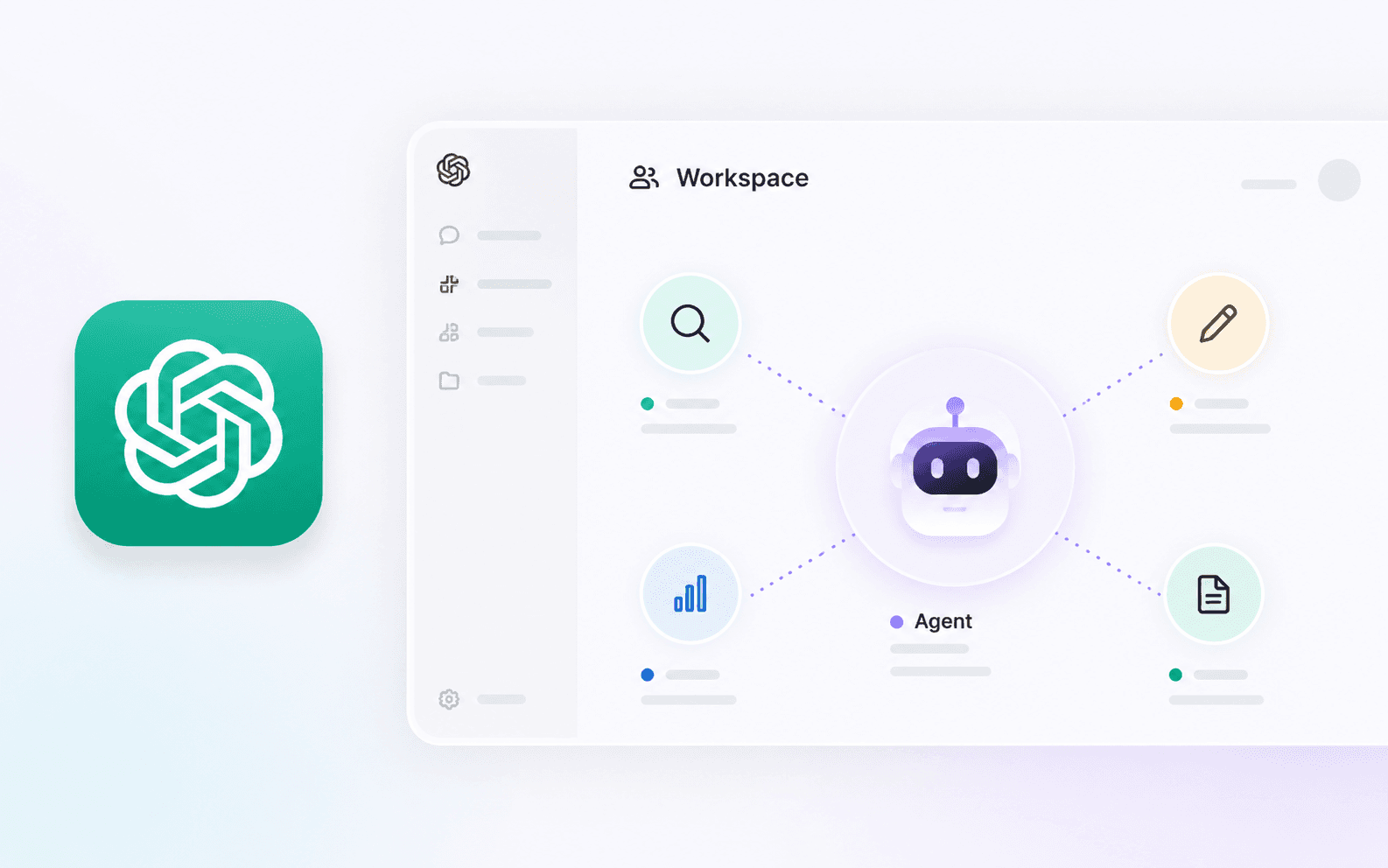
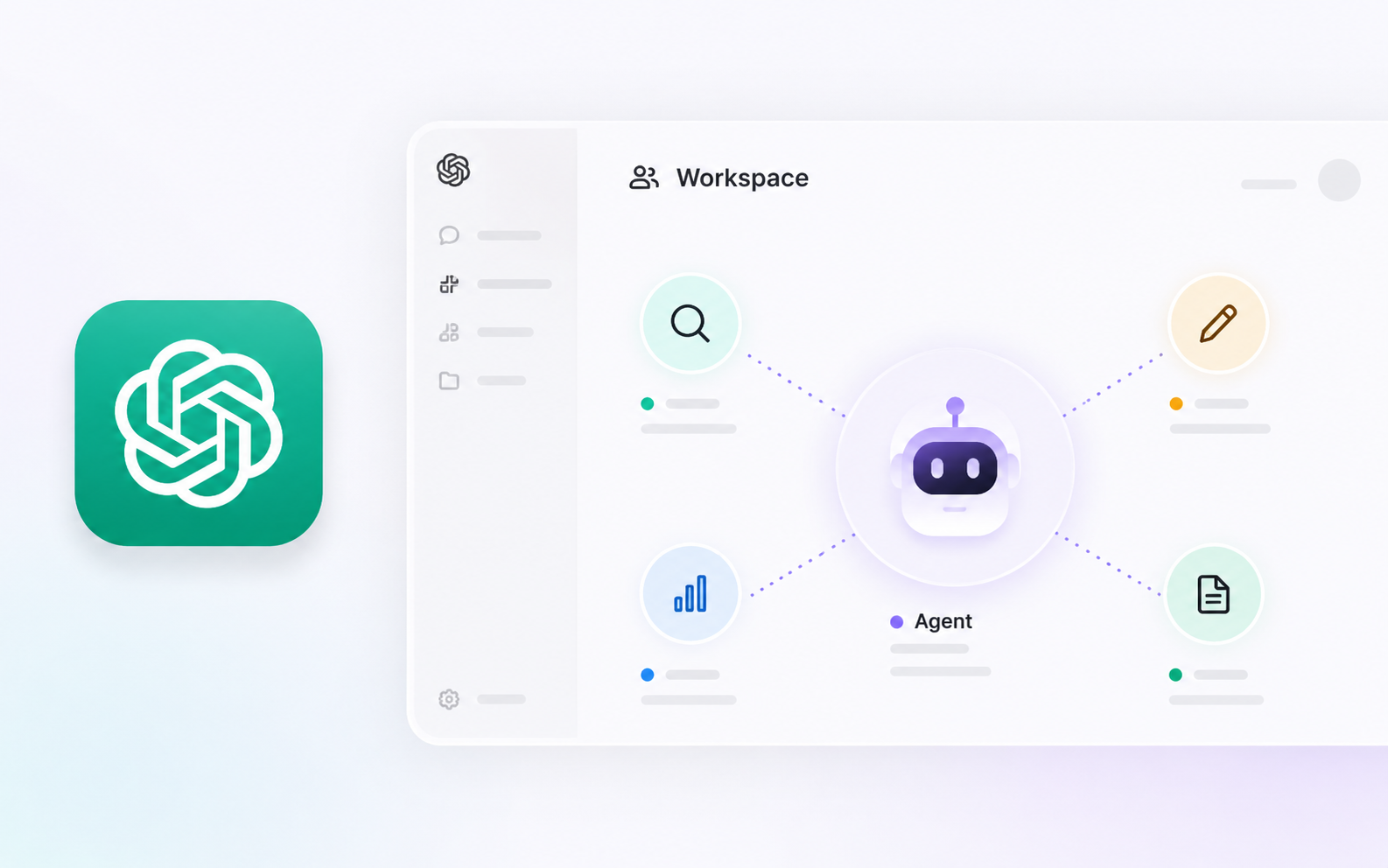
Set up useful AI teammates with new ChatGPT workspace agents
Turn generic AI into dedicated expert teammates by creating workspace-specific agents in ChatGPT.
Best For
- Teams needing dedicated AI assistants for specific workflows
- Managers wanting to standardize outputs
Requirements
- ChatGPT Plus or Enterprise account
- Familiarity with your own business workflows
Define the Agent's Role
Before touching any software, you need absolute clarity on what this AI teammate will do. Giving an agent too broad of a mandate guarantees mediocre results.
Pick one recurring task that currently takes up too much time, has clear rules, and doesn't require deep creative intuition.
Create the Agent Instructions
- 1.Open ChatGPT and go to My GPTs > Create a GPT.
- 2.Skip the 'Create' chat tab and go directly to the 'Configure' tab.
- 3.Write the system prompt clearly, establishing the persona, the expected input format, and the strict rules for output.
- 4.Upload any relevant knowledge files (e.g., brand guidelines, previous examples).
The Ultimate Persona Prompt
Testing and Troubleshooting
If the agent starts ignoring rules, try moving the most important constraints to the very bottom of the instruction prompt. LLMs suffer from 'lost in the middle' syndrome.
- If output is too generic: you didn't provide enough specific knowledge files.
- If it hallucinates: add a strict instruction 'If you do not know the answer based on your files, say so. Do not guess.'
Brian Weerasinghe is the founder and editor of AI Eating The World, where he covers artificial intelligence, tech companies, layoffs, startups, and the future of work. His reporting focuses on how AI is transforming businesses, products, and the global workforce. He writes about major developments across the AI industry, from enterprise adoption and funding trends to the real-world impact of automation and emerging technologies.