Image: Flickr / Wikimedia Commons / Unsplash
How to Get Claude Code Free Using OpenRouter's Free API
Route Claude Code through OpenRouter's free model tier and run a full agentic coding environment at zero cost - legally, permanently, and in under 10 minutes.
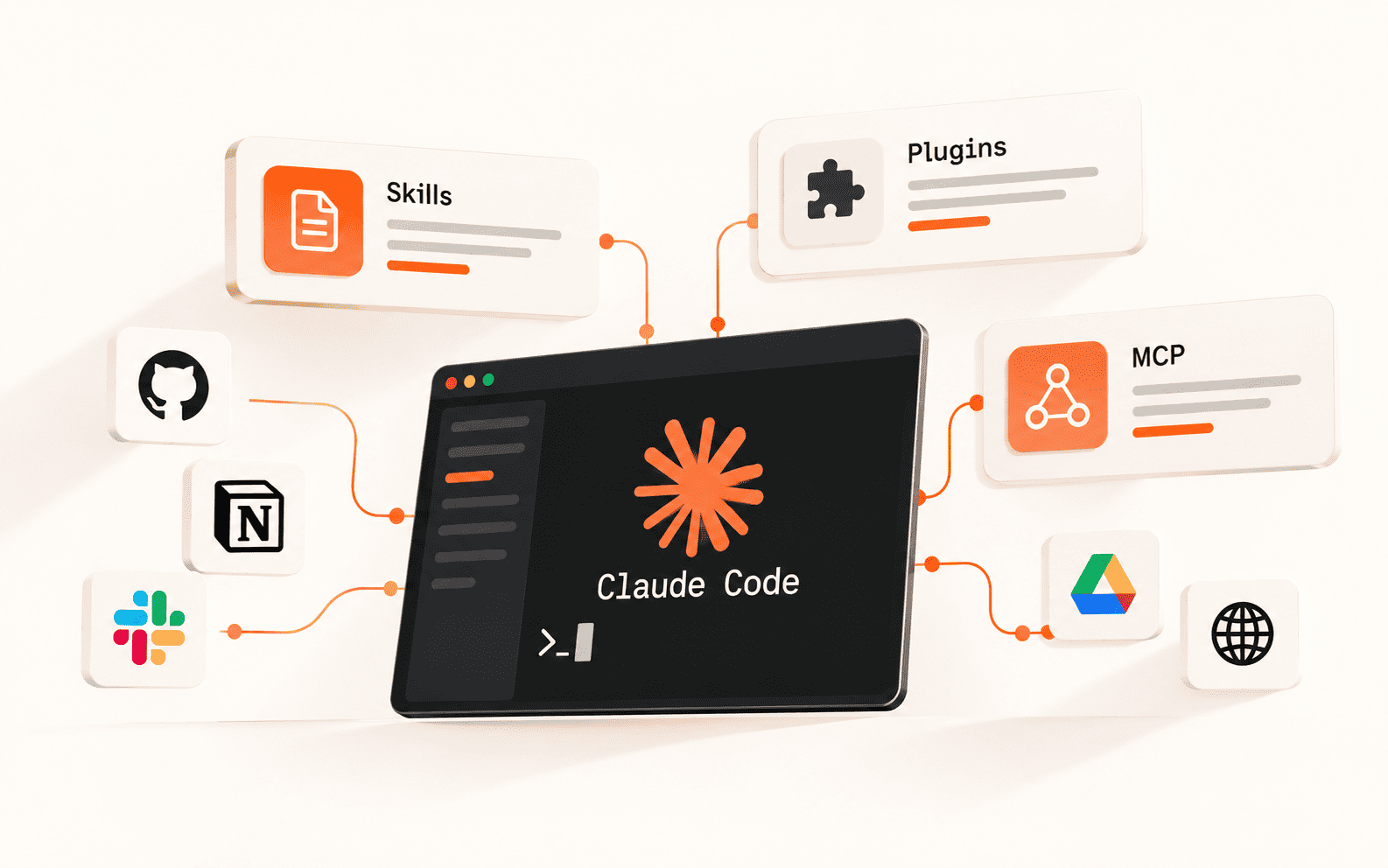
Claude Code is one of the most capable AI coding tools available right now. It reads your files, runs shell commands, edits code across multiple files, and handles multi-step agentic tasks from your terminal. The problem is the cost - it runs on Anthropic's API by default, and token usage adds up fast on any serious project. There is a way around this. Claude Code does not hardcode which API it connects to. It reads environment variables on startup that let you redirect every request to a different backend. Point it at OpenRouter, which runs an Anthropic-compatible endpoint and hosts dozens of free models, and you get the full Claude Code experience with no Anthropic billing. Same CLI, same tool calls, same MCP servers - just a different model behind it. This guide covers the complete setup from scratch: installing Claude Code, getting an OpenRouter API key, writing the config file, and verifying it works. It takes about 10 minutes.
Best For
- Solo developers and indie hackers
- Students learning AI-assisted coding
- Founders prototyping before committing to a paid plan
- Developers who want to test Claude Code before subscribing
Requirements
- Node.js 18+ installed
- npm or npx available in your terminal
- A free OpenRouter account (no credit card required for free models)
- Basic terminal familiarity
What is actually happening under the hood
Claude Code is a Node.js CLI that Anthropic ships via npm. When you run `claude`, it opens an agentic session and fires requests - including your prompts, file contents, tool call results, and context - at an API endpoint. By default that endpoint is `api.anthropic.com`, and every token costs you money from your Anthropic account.
The trick is that Claude Code does not hardcode that endpoint. It reads a handful of environment variables on startup: `ANTHROPIC_BASE_URL`, `ANTHROPIC_AUTH_TOKEN`, and `ANTHROPIC_MODEL`. If you override those variables before the CLI authenticates, every request gets sent to whatever backend you point it at - including OpenRouter.
OpenRouter is an API aggregator that sits in front of hundreds of models from different labs. It exposes a single Anthropic-compatible endpoint, so Claude Code talks to it as if it were Anthropic. OpenRouter then routes your request to whichever model you specify. Many of those models are completely free. You get the full Claude Code experience - file editing, shell execution, multi-step agentic tasks, MCP servers - backed by a free model instead of a paid Anthropic subscription.
Set up your OpenRouter account and API key
You need an OpenRouter account to get an API key. The account is free and does not require a credit card if you only plan to use free-tier models.
- 1.Go to openrouter.ai and click Sign Up. Verify your email.
- 2.Once inside the dashboard, navigate to API Keys in the left sidebar.
- 3.Click Create Key. Name it something descriptive like claude-code-free. Click Create.
- 4.Copy the key immediately. It starts with sk-or-v1- and OpenRouter only shows it once. Paste it into a secure location such as a password manager or your .env file.
- 5.Optional but recommended: add a small credit of $5-10. Free models work with a $0 balance, but having minimal credit ensures smoother behavior if OpenRouter routing picks a paid model as a fallback and also lets you upgrade individual tasks to a stronger paid model later without switching configs.
Install Claude Code
Claude Code requires Node.js 18 or later. If you have not installed Node.js, download it from nodejs.org and run the installer for your OS. Then install Claude Code globally via npm.
Confirm the install worked. You should see a version string like claude-code 1.x.x:
If you have used Claude Code before with an Anthropic account, clear the cached session now. If you skip this step, the old session will override your new environment variables and Claude Code will keep trying to bill your Anthropic account:
Create the config file in your project
Claude Code reads its configuration from a settings file inside a `.claude` folder at the project root. You create this per-project, which means you can have some projects run on OpenRouter for free and others use your regular Anthropic account.
Inside your project folder, create the directory and the config file. On Mac and Linux:
- 1.The `.local` suffix means the file is gitignored by default, so your API key stays off GitHub.
The full config block
Open `.claude/settings.json` and paste in the following. Replace the placeholder with your actual OpenRouter API key.
- ANTHROPIC_API_KEY is set to an empty string intentionally. This prevents any accidental fallback to Anthropic billing.
- CLAUDE_CODE_SUBAGENT_MODEL is the variable most guides forget. Claude Code spawns sub-agents for planning and tool calls. If you do not redirect this, those hidden calls will still hit Anthropic's API and generate charges even if your main chat is going through OpenRouter.
- The openrouter/free model ID is OpenRouter's smart router - it automatically selects whichever free model best handles your request. You can also pin a specific model ID for consistent behavior.
Start Claude Code and verify the connection
With the config saved, start a Claude Code session from your project directory and authenticate fresh so it picks up the new environment variables.
Navigate to your project folder:
Start Claude Code:
Complete the login prompt. Claude Code will now authenticate against OpenRouter instead of Anthropic.
Once inside the session, check the active model:
- If it shows an OpenRouter-routed model such as Qwen, Llama, or Gemini, the setup worked.
If it still shows Claude Sonnet or Claude Opus by name, the session is using cached Anthropic credentials. Run `/logout` to clear the session, restart your terminal entirely - not just a new tab - and run `claude` again from the project directory.
- Open your OpenRouter dashboard and check Activity. Send a short test message in Claude Code. The request should appear with a cost of $0.00 confirming you are hitting a free model.
The best free models for coding on OpenRouter
The `openrouter/free` router is convenient but non-deterministic. For serious coding work, pin a specific free model. Here are the best options available as of May 2026.
To use any of these, replace `openrouter/free` in your settings file with the model ID listed.
- qwen/qwen3-coder:free - Best free coding model available. 1M token context window, top-ranked on coding benchmarks. Use this for large codebase tasks, multi-file edits, and long agentic sessions.
- deepseek/deepseek-v4-flash:free - Excellent for reasoning-heavy coding tasks. 1M context, native chain-of-thought. Strong at debugging complex logic and architecture work.
- meta-llama/llama-3.3-70b-instruct:free - Meta's 70B model, consistently reliable. Good general-purpose coding and lower variance than some free-tier alternatives.
- google/gemma-3-27b-it:free - Solid instruction-following, good for structured output tasks and scripts.
- openai/gpt-oss-20b:free - Fast inference, competitive on code generation benchmarks. Good for quick edits and smaller tasks.
Recommended split config for daily use
For most developers, the best config splits the work: a strong coder model handles the main session, while a faster lighter model handles sub-agent tool calls. This gives you better response quality without adding cost.
- Qwen3 Coder handles main coding tasks. Llama 3.3 70B handles faster sub-agent calls. Both are free.
Make OpenRouter the default for every project
The per-project setup is the right starting point. If you want every Claude Code session on your machine to use OpenRouter by default, configure the global settings file instead.
On Mac and Linux the global file is at `~/.claude/settings.json`. On Windows it is at `%APPDATA%\Claude\settings.json`. Create the file if it does not exist and add the same env block.
Individual projects can still override the global config by placing their own `.claude/settings.json.local` in the project root. Project-level settings take precedence over global ones.
Rate limits, model availability, and privacy
Free models on OpenRouter are capped at 20 requests per minute and 200 requests per day per model. For individual development work this is usually sufficient. Long agentic sessions that trigger dozens of tool calls per task can exhaust the daily limit.
If you get a 429 rate limit error, switch your config to a different free model - each model has its own separate rate limit bucket. Cycling between two or three free models effectively multiplies your daily request allowance.
Free model availability is not guaranteed. OpenRouter can change or remove free tier access without notice. Check openrouter.ai/collections/free-models for the current list before committing this setup to any critical workflow.
Your code and prompts are sent to OpenRouter's infrastructure and then to the model provider. Review OpenRouter's privacy policy and the individual model provider's data terms before sending proprietary or production code through this setup.
This method is well-suited for development, prototyping, and learning. For production agentic workflows running continuously, a paid tier with guaranteed uptime is more reliable.
Setup checklist
Where to go from here
With the free Claude Code setup working, the highest-value next step is learning to write tightly scoped tasks. Free models respond better to specific, concrete instructions than to open-ended prompts. Tell Claude Code exactly which file to edit, what the expected output looks like, and what command to run to verify the result.
If you hit rate limits regularly, add $5-10 of credit to your OpenRouter account and switch to a near-free paid model like Qwen 3.5 9B at $0.05 per million input tokens. You get higher throughput and guaranteed availability for effectively nothing.
For teams or heavier production use, the Claude Code Max plan at $200 per month removes token costs entirely with a flat subscription and gives you access to Anthropic's full model lineup. The OpenRouter method is best for solo work and budget-conscious prototyping, not a permanent replacement for a subscription when you are building production-grade agents.
Hitting your usage limits?
The Token Saver Kit, which AETW makes and sells, is a 10-minute setup that cuts wasted tokens in Claude Code and Codex: lean memory files, settings that block wasteful reads, hooks, cheap subagents and a Codex config. It costs $24.
Or start with our free guides on saving tokens in Claude Code and fixing Codex usage limits.
Brian Weerasinghe is the founder and editor of AI Eating The World, where he covers artificial intelligence, tech companies, layoffs, startups, and the future of work. His reporting focuses on how AI is transforming businesses, products, and the global workforce. He writes about major developments across the AI industry, from enterprise adoption and funding trends to the real-world impact of automation and emerging technologies.