Image: Flickr / Wikimedia Commons / Unsplash
Before Any AI Search Optimization, Make Sure AI Crawlers Can Get In
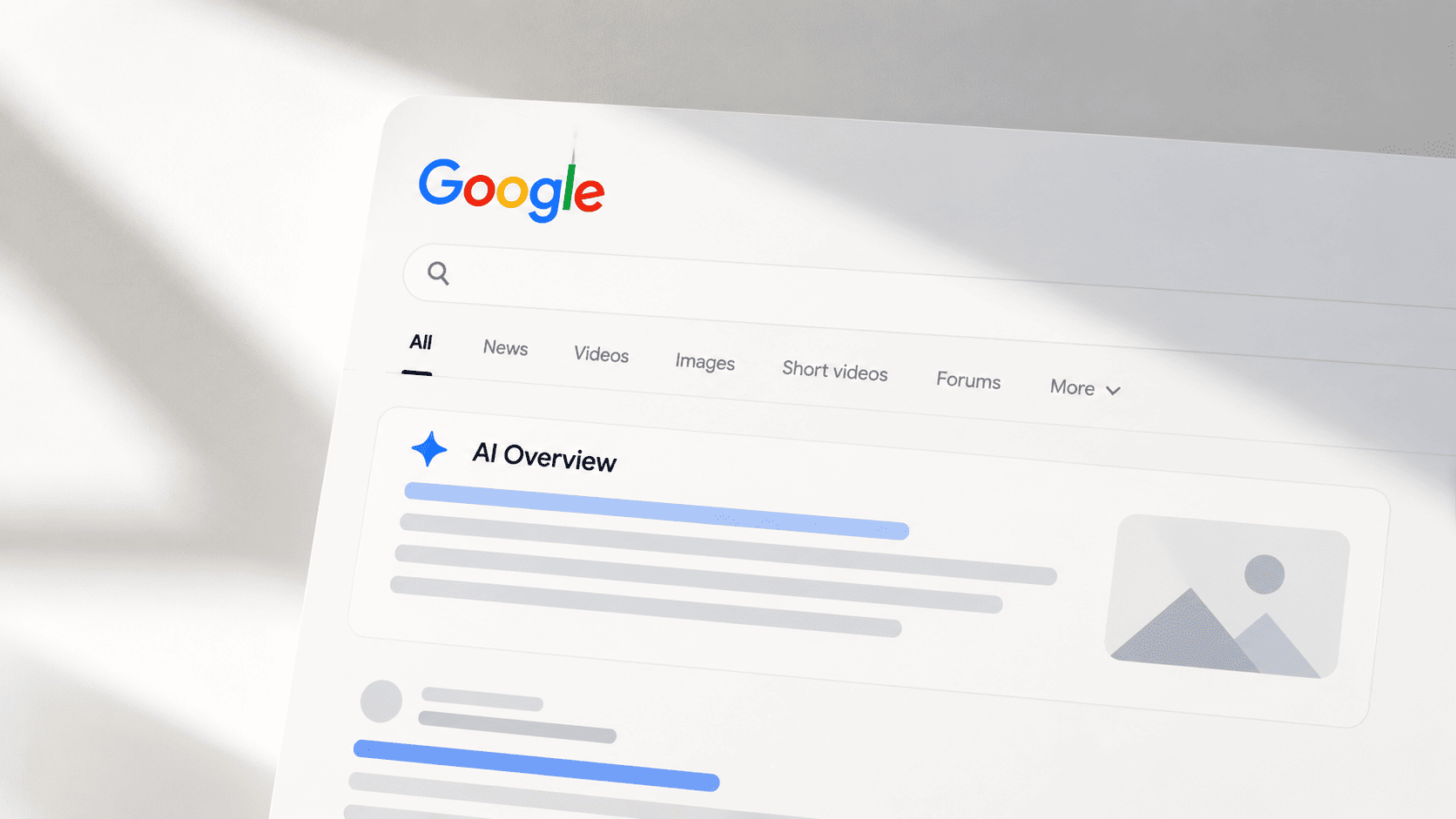
Cloudflare's September 15 changes turned a firewall setting into a quiet reason sites drop out of AI answers. Here's how to check what each bot actually receives.
Image: Flickr / Wikimedia Commons / Unsplash
This article contains an affiliate link. AI Eating The World may earn a commission on qualifying purchases, at no extra cost to you.
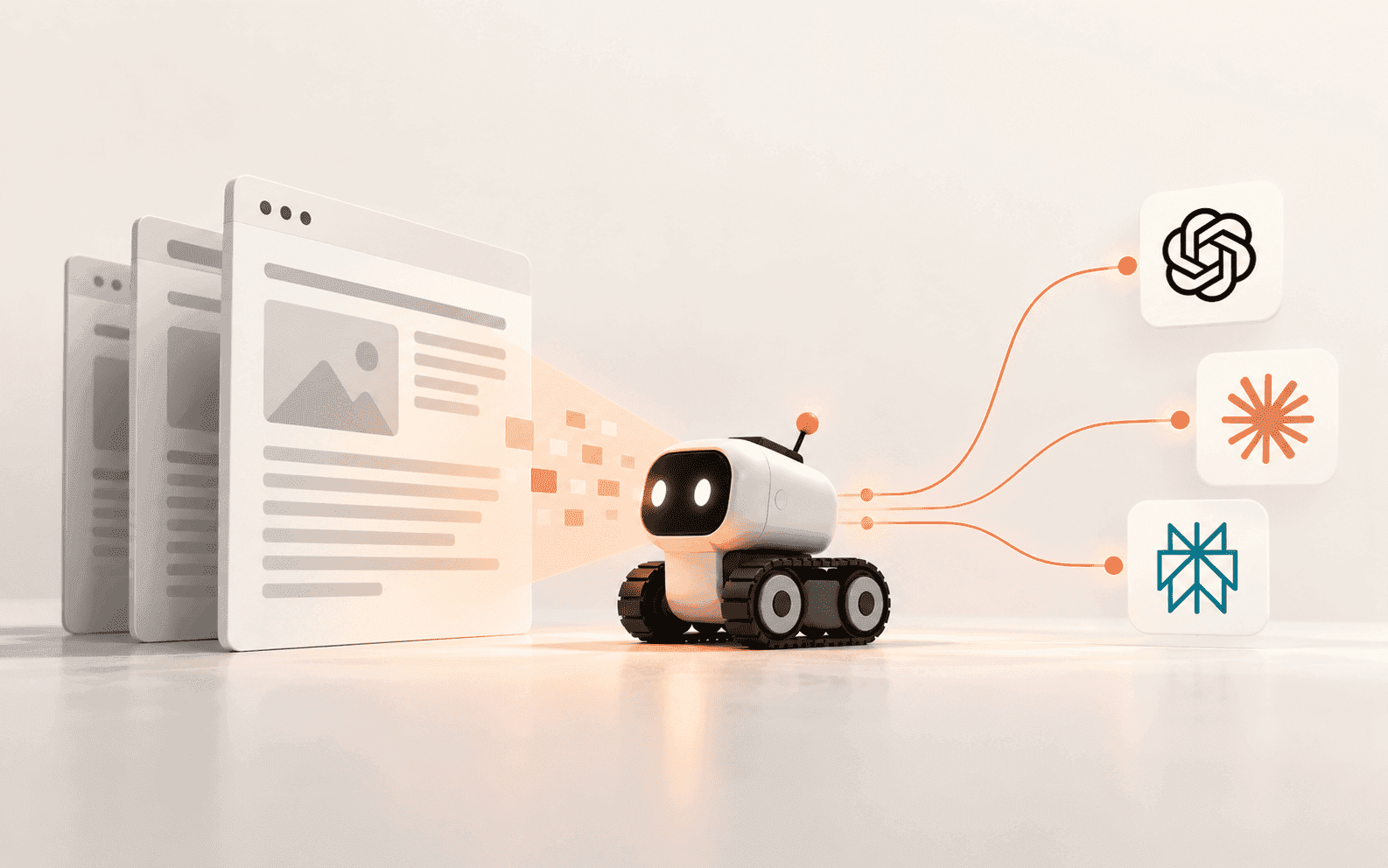
Cloudflare's new AI crawler defaults can shut out Googlebot, GPTBot and ClaudeBot before they reach a page, and robots.txt won't show it. Here's how US teams can check crawler access before spending on AI search optimization.
The block nobody remembers choosing
Most AI search optimization advice starts with the page itself: lead with the answer, add schema, chase citations. All of that assumes AI crawlers can load the page. On more sites than you'd expect, they can't, and the reason is a security setting nobody on the marketing team ever looked at.
Cloudflare is the clearest case, and it says more than 20% of web domains sit behind its network. On July 1, 2026, it split AI bots into three groups: Search, Agent and Training. Since September 15, new domains get Training and Agent bots blocked by default on pages that show ads. Search stays open.
The catch is how Cloudflare treats crawlers that do more than one job. A mixed-use crawler is judged by its most restrictive purpose. Googlebot, Bingbot and Applebot crawl for search and also feed AI features, so on a site set to block Training, they get blocked too. Cloudflare's September 15 post says it plainly: Block now affects search as well as training. To be fair to Cloudflare, the goal makes sense. Publishers asked for a way to refuse AI training. The side effect is the problem.
And Googlebot is still the biggest crawler around. In 2025 it made up 4.5% of HTML requests to Cloudflare-protected sites, a little more than every other AI bot combined at 4.2%. Losing it by accident costs far more than a missed AI citation.

Very few sites want that outcome. Cloudflare says fewer than 1% of its customers block Search bots, while 17% block AI training in some form. If you're in that 17%, it's worth checking which setting you actually picked.
Why robots.txt says yes while AI crawlers get a 403
Edge blocks happen before a request ever reaches your server. They don't show up in robots.txt, so a standard check of that file comes back clean while ClaudeBot or GPTBot is getting a 403 or a challenge page.
An August 4 report in Search Engine Journal showed how this plays out. A Reddit user who set Cloudflare's AI crawler control to block training found Googlebot and Bingbot getting 403 errors when they fetched the sitemap. Switching the block off fixed it right away, and Google's John Mueller asked the poster for details. The same user said Bot Fight Mode, Cloudflare's free-plan bot protection, produced the same error.
Cloudflare isn't the only layer that can do this. A web application firewall at your host can challenge bots, and so can rate limits or a WordPress security plugin. Some failures even look healthy on paper: a 200 status that is really a challenge page or an empty JavaScript shell.

Google's own troubleshooting advice is to check firewall rules first when Search Console can't reach your robots.txt. AI crawlers have no Search Console of their own, so you need another way to see what each one receives.
A per-bot access check you can run this week
Start small: your homepage, a key product or service page, your best-performing article and your sitemap. Request each one with the user agent of every crawler you care about, such as GPTBot, ClaudeBot, PerplexityBot, OAI-SearchBot and Googlebot. Then compare the status code and HTML with a normal browser visit. A command-line fetch with a custom user agent is enough for a first pass.
Know the limit of that test. Many firewalls verify major crawlers by IP address, not just the name in the header, so a faked user agent can be treated differently from the real bot. Read a 403 as a strong signal and a 200 as a hint. Then confirm it where only you can look: your CDN's security events, filtered by bot, and your server logs. Google publishes its crawler IP ranges, and a reverse DNS lookup will confirm a real Googlebot visit.
If you're on Cloudflare and want to keep your content out of model training, use Disallow AI Training instead of Block. Search crawlers keep their access, a no-training rule goes into your robots.txt, and Cloudflare still blocks training-only crawlers from companies like OpenAI, Anthropic and Meta.

Making crawler access part of every technical SEO audit
A one-time check catches today's block. It won't catch the rule someone adds to the firewall next spring. That's the job I give Semrush's Site Audit, a tool I was using well before any partnership existed. Its Overview dashboard shows an AI Search Health score next to a Blocked from AI Search widget, which lists which of eight major AI crawlers, including OAI-SearchBot, ChatGPT-User, Googlebot and Google-Extended, are blocked and on how many pages.

The crawler setting is the part most people skip. Site Audit can switch its user agent to OpenAI-Search, so the crawl sees your site the way ChatGPT search would. Pages that come back blocked or broken under that agent but fine under the default one point straight at a firewall or hosting rule. Schedule the audit weekly and a new block shows up as a jump in errors, not a traffic mystery three months later.

Sources for this section
Telling a blocked crawler from an algorithm shift
When traffic drops, the first question is whether you were blocked or outranked. Position Tracking answers half of it. It records daily rankings and visibility against competitors, so a block looks like your line falling while rivals hold steady, not everyone moving together after an update.

Organic Traffic Insights fills in the other half by putting Google Analytics, Search Console and Semrush keyword data on one screen. If sessions and Search Console clicks fall on the same pages your audit flagged, you're looking at an access problem, not a ranking problem.

Once access is fixed, the AI Visibility Toolkit shows whether it pays off in AI search visibility: brand mentions and citations across ChatGPT, Gemini, Perplexity and Google's AI answers, tracked over time.

All of this lives in Semrush One, which bundles the SEO Toolkit with the AI Visibility Toolkit and comes with a 7-day free trial. A week is enough to run a full Site Audit with the OpenAI-Search agent, set up Position Tracking on your main terms and connect Analytics and Search Console. If the audit turns up a block, you'll have found it before it eats months of content work.
Sources for this section
Access first, then AI search optimization
- Review your CDN and firewall settings and list every bot or AI rule, including defaults you never set.
- On Cloudflare, choose Disallow AI Training over Block if you want to refuse training but stay in search.
- Fetch five key URLs as GPTBot, ClaudeBot, PerplexityBot, OAI-SearchBot and Googlebot, and compare status codes and HTML.
- Confirm what you find in CDN security events and server logs, since faked user agents can be treated differently from verified bots.
- Schedule a weekly Site Audit with an AI crawler user agent so new blocks show up fast.
- Only then move on to content, schema and citation work.
Sources
Brian Weerasinghe is the founder and editor of AI Eating The World, where he covers artificial intelligence, tech companies, layoffs, startups, and the future of work. His reporting focuses on how AI is transforming businesses, products, and the global workforce. He writes about major developments across the AI industry, from enterprise adoption and funding trends to the real-world impact of automation and emerging technologies.